Most nonprofits on GoFundMe Pro never chose GoFundMe Pro. They chose Classy, often years ago, and the platform changed owners underneath them. GoFundMe acquired Classy in 2022, and retired the Classy name in May 2025.
Nothing breaks when that happens. The bill still arrives, the events still run. So the question waits until renewal, which is when most of these searches start.
That's also when pricing becomes the problem.
GoFundMe Pro doesn't publish its rates. There is a price for your organization, and you receive it in a proposal after a call with a salesperson who has asked about your annual revenue, budget, and fundraising goals.
What you pay depends on what you said on that call.
A published price doesn't work that way. It's the same for every nonprofit, which makes it something you can compare before anyone asks about your budget.
This guide compares the 10 fundraising platforms nonprofits evaluate most, checked against each one’s own published pricing and documentation in August 2026.
What is GoFundMe Pro (Formerly Classy)?
GoFundMe Pro is the nonprofit fundraising arm of GoFundMe, available to verified 501(c)(3) organizations. It was formerly known as Classy, which GoFundMe acquired and has since folded into its own brand.
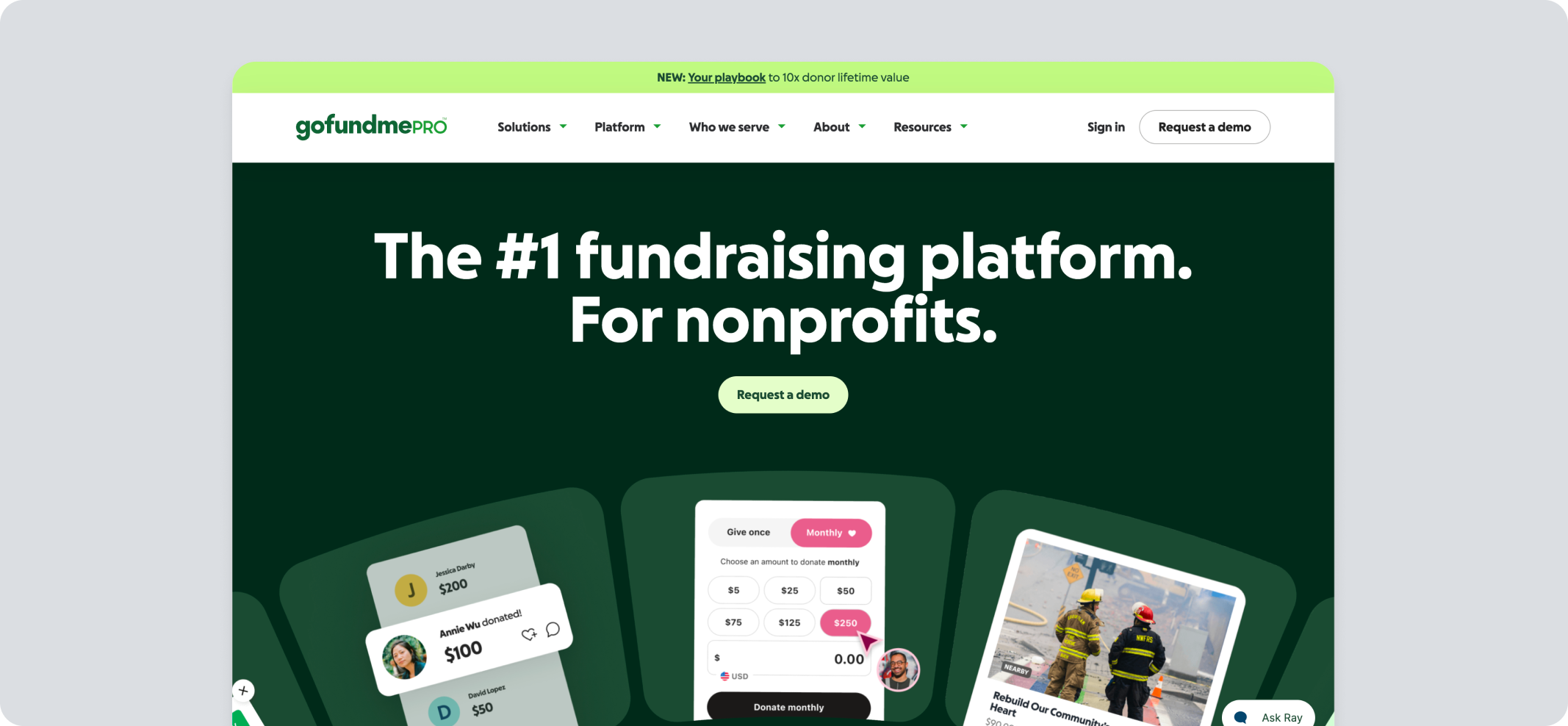
It’s a serious donation platform for nonprofits:
- Donation pages and forms
- Peer-to-peer and crowdfunding campaigns
- Event registration pages
- Recurring giving programs
- Donor tracking with CRM integrations
- GoFundMe Intelligence (AI-driven tool)
Ticketing, seating, auctions, and check-in exist, but they live in Live Events, a separate module you contact sales to add to your account.
Sponsorships are a logo display on the event page, with no package sales, payment tracking, or ticket allocation behind them.
Put simply, GoFundMe Pro treats an event as an extension of a donation campaign. If your fundraising year is built around the event itself, that gap is what the rest of this guide is about.
GoFundMe Pro Pricing
GoFundMe Pro is available via a custom annual subscription; contact sales for a quote.
On top of that, credit card processing runs 2.4% plus $0.30 per transaction, with an extra 1% on American Express transactions. PayPal and Venmo processing starts at 2.5% plus $0.30 per transaction.
The 10 Best GoFundMe Pro Alternatives Compared
GoFundMe Pro is included as the baseline so you can see what you'd be trading.
*All pricing, features, and rating information is verified as of August 2026. Confirm with official sources before making a decision, as pricing and features can change at any point.
Why Do Nonprofits Look for a GoFundMe Pro Alternative?
Nonprofits rarely leave a fundraising platform on a whim. The search for GoFundMe Pro alternatives usually starts with one of a few recurring frustrations.
- Pricing that hinders growth: Nonprofits cannot make an informed decision without contacting the sales team, since pricing is not publicly available.
- Event revenue split across reports: Tickets, donations, and peer-to-peer gifts export separately, and P2P gifts can sync to a CRM detached from the event. Reconciling one gala means rebuilding the picture by hand.
- Event tools behind a gate: Ticketing, table seating, auctions, and check-in sit in Live Events, a separate module you add through sales. Sponsorships are a logo display, with no package sales or payment tracking.
- Scattered extras: Merch stores and volunteer coordination live outside the core platform, so teams end up managing several tools at once.
- Limited branding control: Basic templates can make it difficult for an event page to reflect the nonprofit’s brand.
These pain points explain why the need for GoFundMe Pro alternatives keeps coming up in nonprofit forums and comparison guides.
What Should You Look for in a GoFundMe Pro Alternative?
The right pick depends on a short list of essentials. Here is what matters most for fundraising events.
- Ease of use: Staff and supporters should navigate it without training.
- P2P tools: Team pages and peer-to-peer campaigns should be simple to launch.
- Ticketing: Event registration and seating should live inside the platform, not a separate tool.
- Flexible donation forms: Forms should adapt to one-time and recurring giving opportunities, and event add-ons.
- Sponsorship management: Package sales, payment tracking, and ticket allocation matter as soon as sponsors fund a meaningful share of the night.
- Merch options: An online merchandise store for nonprofits helps extend fundraising beyond the event itself.
- Reporting: Clear, real-time data on donors, tickets, and totals in one dashboard.
This is the real test for any fundraising event software, not just for the GoFundMe Pro alternatives.
A strong event fundraising software solution checks every box above.
10 Best GoFundMe Pro Alternatives for Complete Event Fundraising
Every nonprofit's event looks different, so the right GoFundMe Pro alternatives depend on what a team runs each year.
The ten platforms below are the ones nonprofits compare most often when evaluating an alternative to GoFundMe Pro.
Let’s take a look.
1. Pledge It
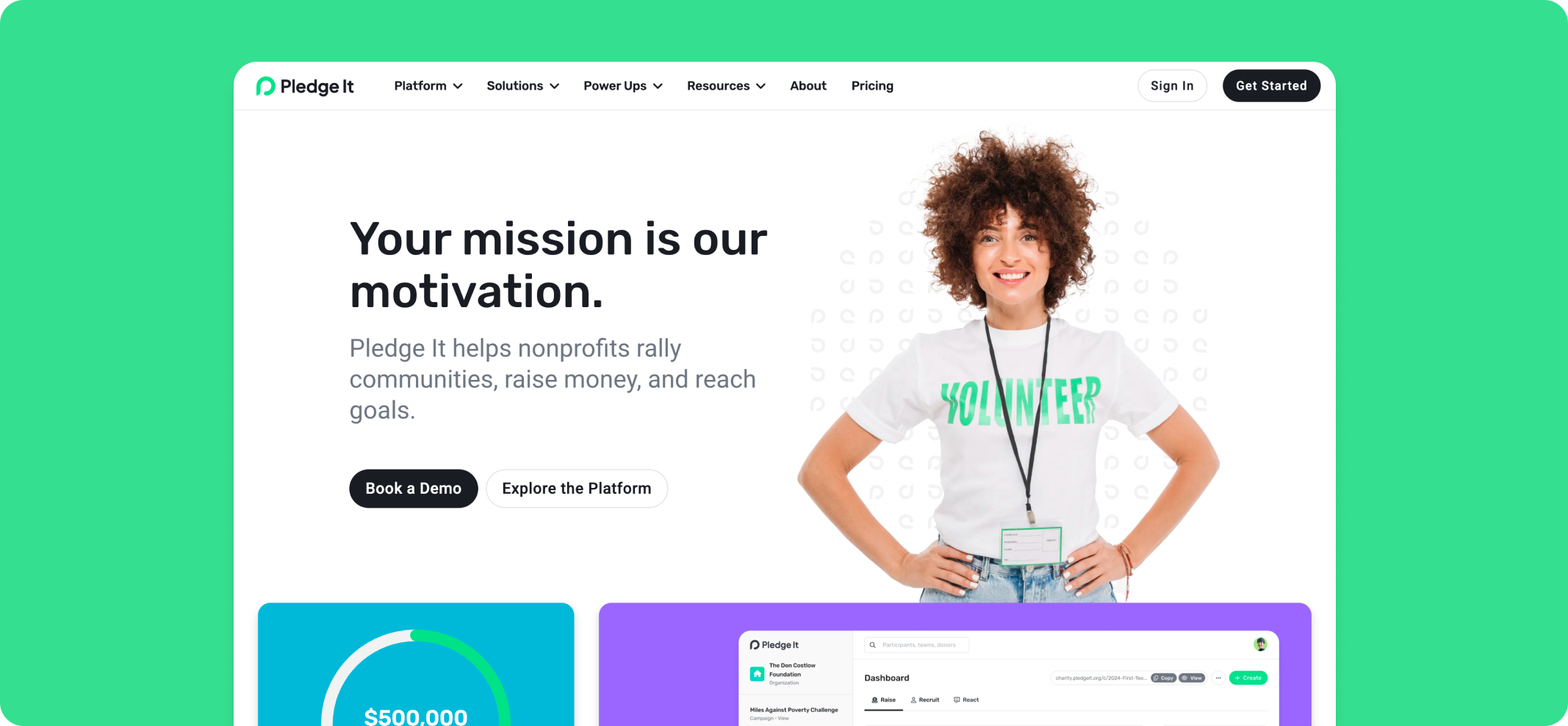
Pledge It is a complete event fundraising platform built for small to midsize nonprofits running signature events year after year. It has supported more than 2,000 nonprofits running galas, walks, tournaments, and auctions.
What sets it apart is the number of campaigns living in one place. Registration, ticketing, peer-to-peer fundraising, sponsorship management, and post-event reporting all run from a single dashboard.
That matters because many platforms marketed as all-in-one are really two products stitched together, a ticketing tool paired with a separate P2P add-on or vice versa.
Pledge It was built as a unified tool from the start, which makes it one of the best all-in-one platforms for nonprofit fundraising.
Key Features of Pledge It
- Events and ticketing: Registration, table seating, attendee tracking, and live donation displays for event day.
- Peer-to-peer fundraising: Personal and team pages with leaderboards and built-in email and social sharing.
- Year-over-year insights: See last year's donors and participants, spot who has not returned, and re-invite them directly.
- Sponsorship management: Sell and track sponsorship packages with automatic ticket allocation.
- Standardized access: Every fundraising feature on every plan, support level, and enterprise extras scale by tier.
- Donation forms: Customizable forms for one-time and recurring giving opportunities.
- Recurring giving: Tools to convert one-time donors into sustained, ongoing supporters.
- Raffles*: Organize and run a raffle or 50/50 directly on the campaign page.
- Silent auctions: Add live and silent auction functionality to any fundraising event.
*Note: Raffle laws vary by state, so nonprofits should confirm local licensing rules before launching one.
Pledge It Pricing
Note: Pledge It has options for donors to cover Stripe and platform fees so that most nonprofits take home over 98.5% of what they raise.
2. Bloomerang
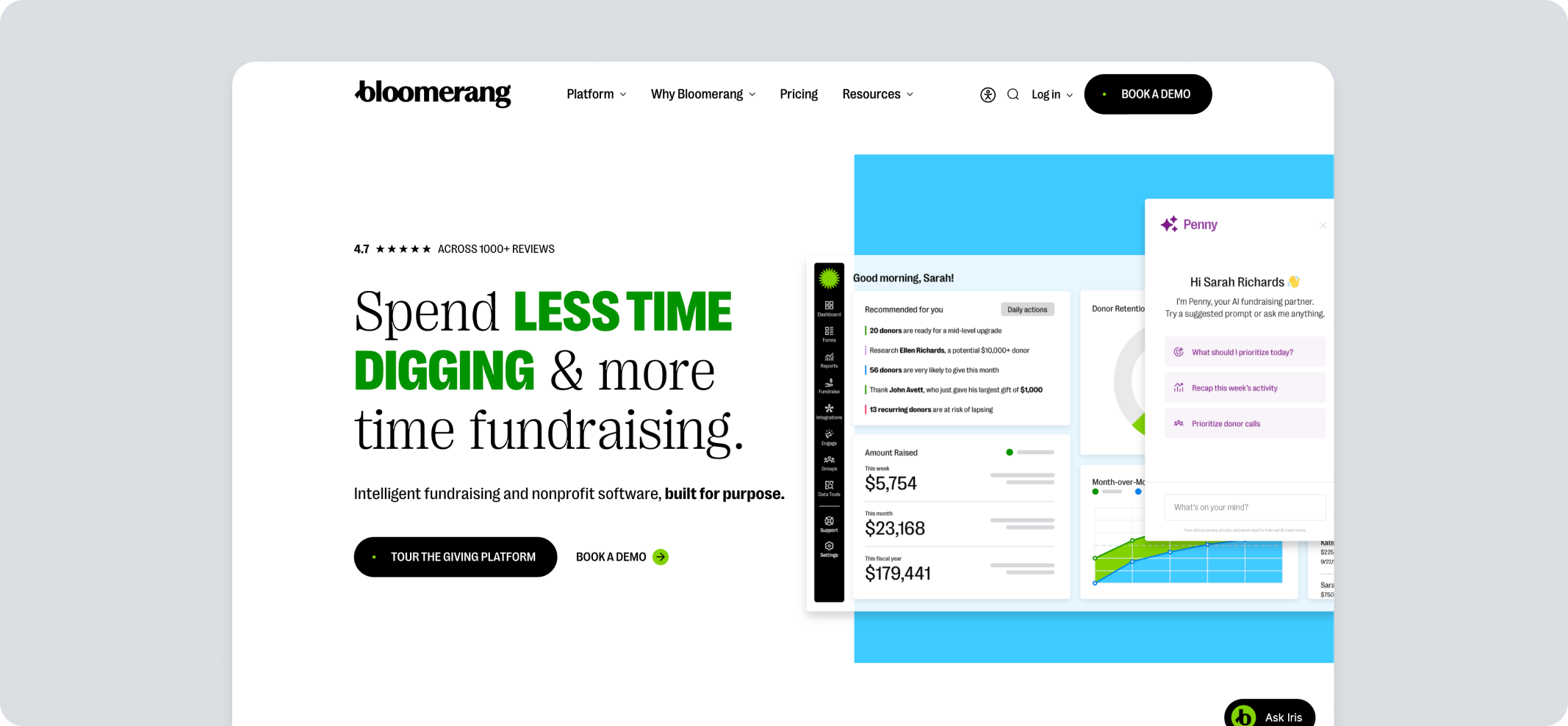
Bloomerang is a donor management platform first and a fundraising platform second. It acquired Qgiv in 2024 and rebranded those tools as Bloomerang Fundraising in 2025, adding event ticketing, auctions, and peer-to-peer campaigns to a CRM that was already strong on retention analytics.
Pros
- Donor database with engagement scoring and retention insights
- Peer-to-peer campaign pages with team fundraising and leaderboards
- Event ticketing, check-in, and auction tools
- Customizable online store for merchandise and sponsorships with inventory tracking
- Real-time dashboards and filter-based reporting
- Unlimited users on every plan
Cons
- Bloomerang Fundraising can't be bought on its own; it requires the CRM plan as well
- Peer-to-peer transactions carry a 1% surcharge over the standard rate
- Pricing scales with contact count, including lapsed and inactive records
- Capterra reviewers report limited guidance during data migration and integration
- Some reviewers find the default donation forms plain next to purpose-built donation tools
Pricing
- Fundraising: From $40/month, billed annually; requires the CRM
- CRM: From $125/month, billed annually, based on roughly 1,000 records
- Volunteer management: From $119/month, billed annually
- Full bundle: Custom pricing
Processing combines Bloomerang's charge and the merchant fee into a single rate: 3.95% + $0.30 per transaction, rising to 4.95% + $0.30 on peer-to-peer. American Express adds 1%.
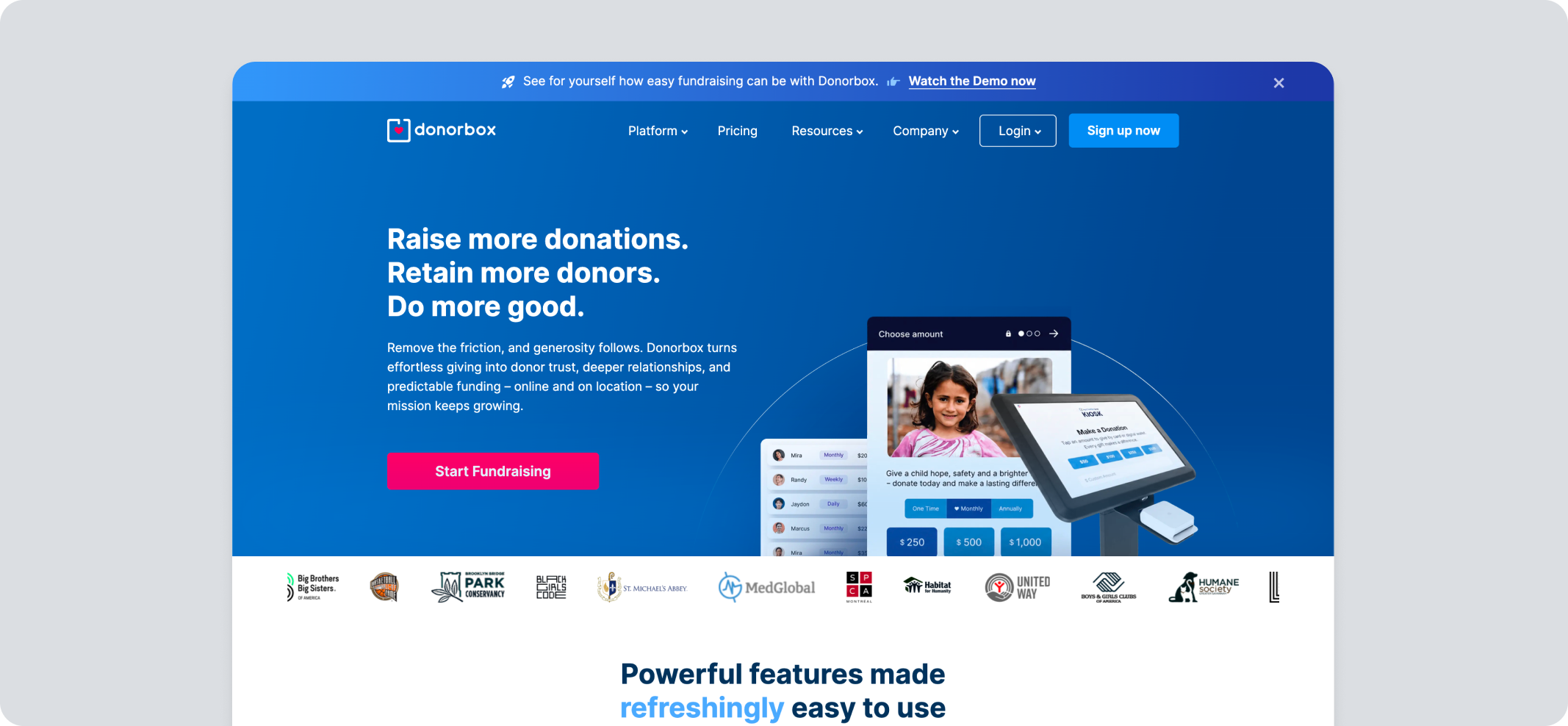
3. Donorbox
Donorbox is a donation platform built around embeddable forms, recurring giving, and a free entry tier. It serves nonprofits, schools, and religious groups, with strength in online donation collection rather than full event production.
Pros
- Customizable donation forms with light or dark themes
- Event ticketing with automated tax-deductible receipts
- Text-to-give and crowdfunding campaign pages
- Integrations with Stripe, PayPal, Salesforce, HubSpot, and QuickBooks
- Recurring donation management with a donor portal for self-service giving
Cons
- Event ticketing, memberships, and supporter-run peer-to-peer sit in the higher fee band on every plan
- Integrations are chargeable as add-ons
- Capterra reviewers describe the fee documentation as difficult to follow, with combined Donorbox and Stripe costs reaching around 6% of a donation on the free tier
- Event management is functional but lighter than dedicated ticketing platforms
Pricing
- Standard: $0/month; platform fee of 2.95% on donations and organization-run peer-to-peer, 3.95% on events, memberships, and supporter-run peer-to-peer
- Pro: $150/month; platform fee of 1.75% on donations, 2% on events
- Premium: Custom pricing; platform fee of 1.6% to 2% across campaign types
Stripe processing adds 2.2% + $0.30 per card transaction on top of the platform fee, or 1.99% + $0.49 via PayPal.
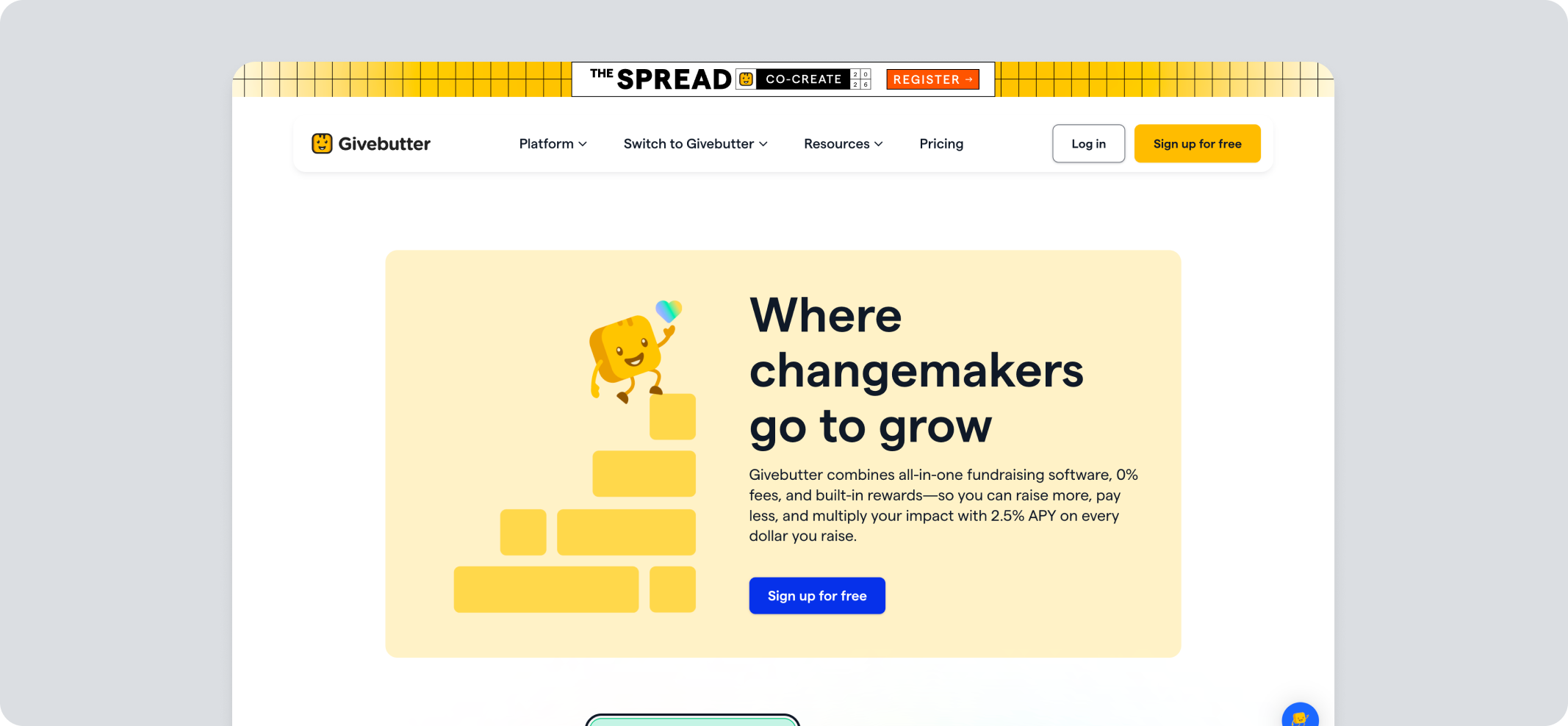
4. Givebutter
Givebutter is a fundraising platform built around a tip-or-fee model. It combines donation forms, fundraiser events, auctions, and a built-in CRM for nonprofits, sports teams, and schools.
Pros
- Donation forms and custom fundraising pages, plus team-based peer-to-peer campaigns
- Event ticketing with custom pricing and optional donation add-ons
- Auction management with mobile bidding
- Built-in CRM with segmentation, tags, and campaign tracking
Cons
- Limited event settings and contact management flexibility
- CRM functionality may feel less intuitive than dedicated CRM platforms
- Givebutter Plus is priced by total contacts, so a large event can take your costs higher
Pricing
Core platform
- Tips disabled: 3% platform fee, plus 2.9% + $0.30 for card processing
- Tips enabled: Free, 0% platform fee
Givebutter Plus: From $33.80/month ($29/month when billed annually)
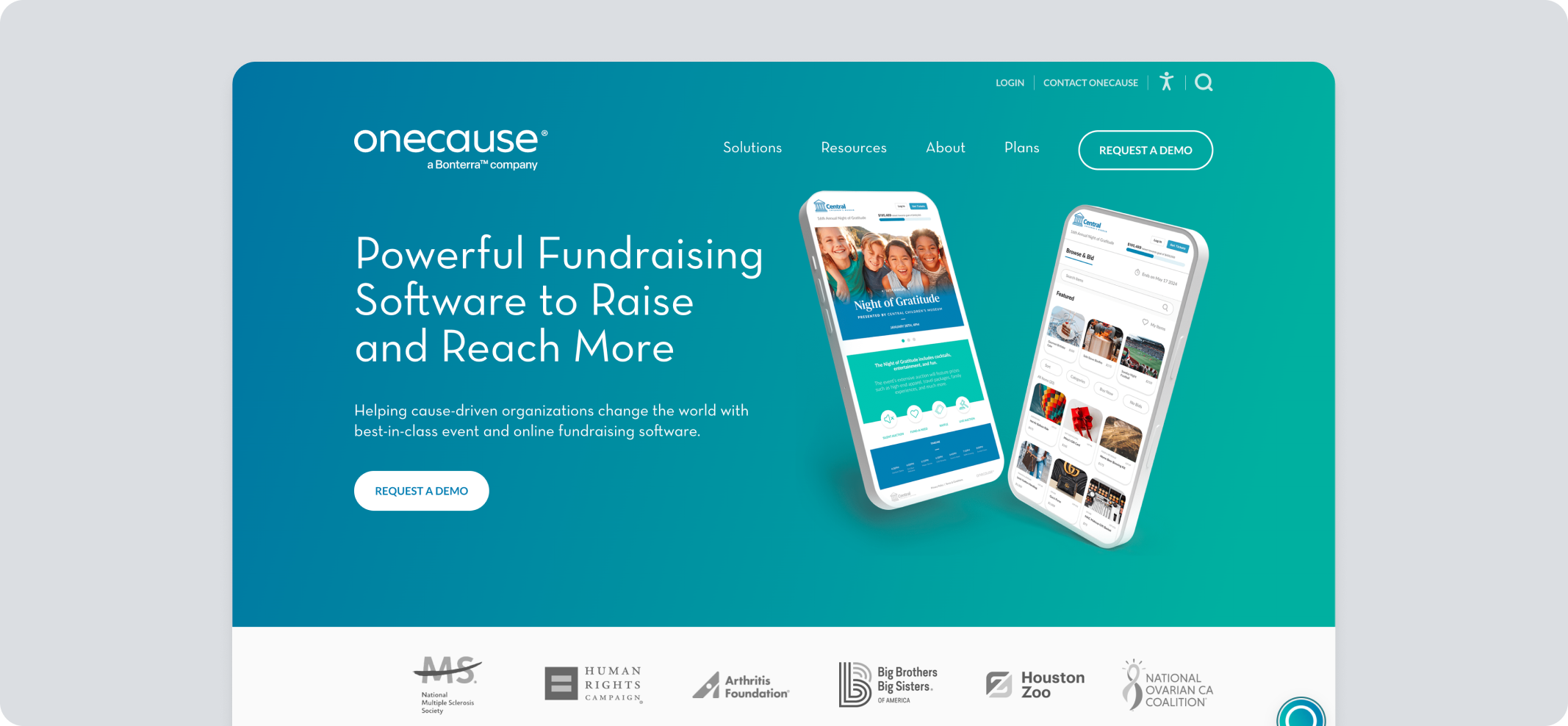
5. OneCause by Bonterra
OneCause was acquired by Bonterra in October 2025 and now operates as Bonterra OneCause. It focuses on event fundraising, mobile bidding, and auctions. The mobile bidding, express check-in, and live support are its strongest assets.
Pros
- Event ticketing, table seating, and express check-in
- Mobile bidding for silent, live, and hybrid auctions with outbid alerts
- Sponsorship and donation appeal tools alongside peer-to-peer fundraising
- Event ambassador fundraising for tracking the impact of board members and top supporters
Cons
- Reporting may be less intuitive, without a single report showing full patron activity and contact info together
- Table seating tools changed after the platform update, and the self-service ticket management may be harder to work with
- Peer-to-peer, online fundraising, and Text2Give are priced separately from the auction and event package
Pricing
- Pay-As-You-Go (for organizations raising under $50K/year): $200 upfront plus a 5% fee on funds raised, capped
- Professional (up to $50K/year): $2,995/year flat
- Text-to-Give: $495/year
- Enterprise/Nationals: Custom pricing
Credit card processing starts at 2.0% through Stripe or Deluxe.
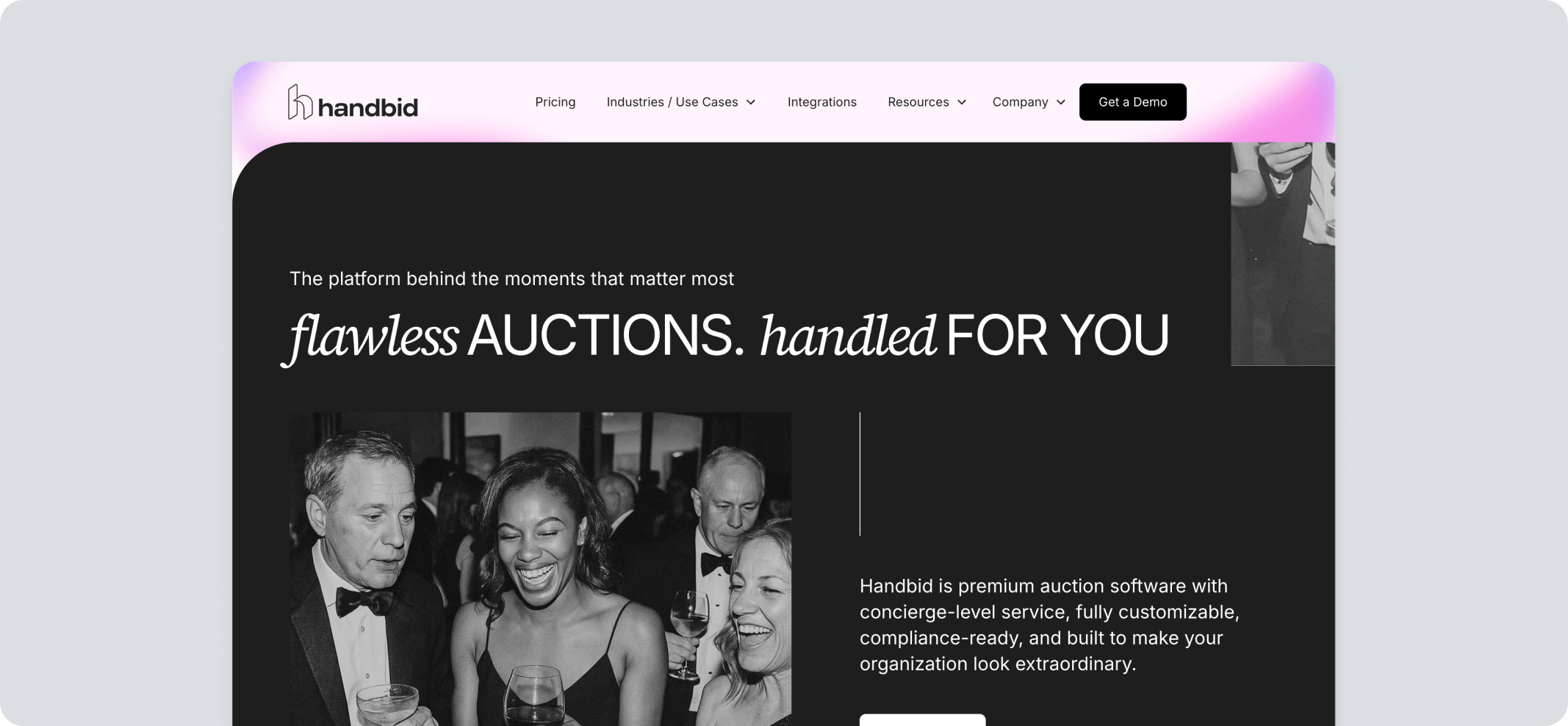
6. Handbid
Handbid is a mobile bidding and auction platform built specifically around silent, live, and hybrid auctions.
Pros
- Mobile bidding with real-time outbid notifications
- Native iOS and Android apps, plus an iPad kiosk option for guests without smartphones
- Smart links that send guests a direct auction login link by text
- White-label branding options so the auction experience matches the nonprofit's own look
- Support for in-room, online, and hybrid bidding formats
Cons
- Priced per event, which adds up across a full calendar
- The basic plan restricts the number of auction items, which can be limiting
- Platform may feel clunky or slow, particularly when paired with certain third-party integrations
- Logging in and accessing tickets during live events may cause trouble
Pricing
Handbid does not disclose full pricing. Packages come as single- or multi-event; pricing is quote-based and scales with the number of events you run.
Compare the best silent auction platforms for your next event
7. GiveSmart
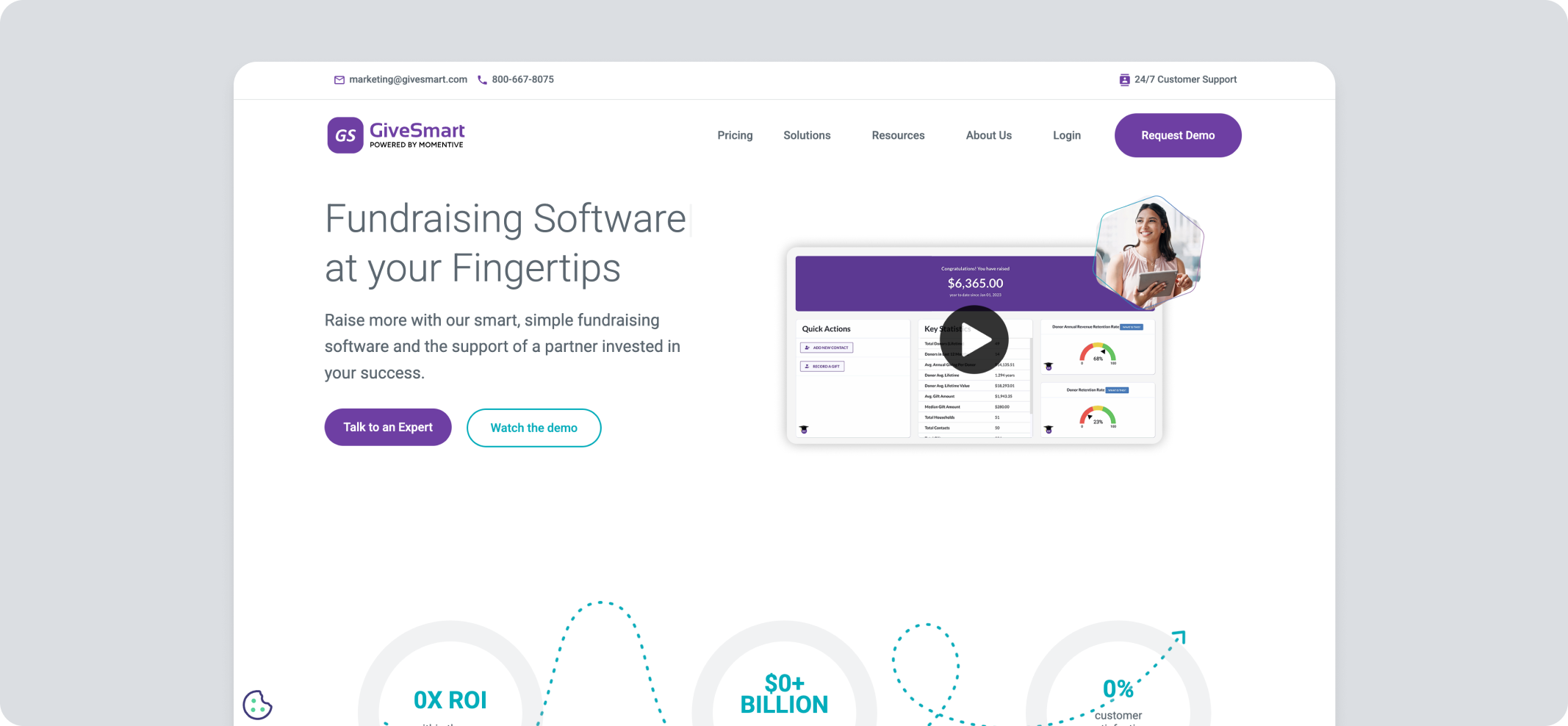
GiveSmart, part of Community Brands, is an event-first fundraising platform built around mobile bidding, ticketing, and donor engagement for galas and auctions.
Pros
- Mobile bidding and live auction management
- Text-to-give with the ability to draft, schedule, or send messages instantly
- Sponsorship activation and peer-to-peer fundraising tools
- Built-in thank-you letter feature for donor acknowledgment
- Salesforce integration for keeping donor data connected
Cons
- There may be customization and integration constraints outside of event-specific features
- Occasional reliability issues may happen during live events
- Cost can be high for smaller organizations
Pricing
Quote-based, with no public plan tiers. Card processing runs 3.5% for Visa, Mastercard, and Discover, or 3.95% for American Express, with the option to let donors cover that cost.
Compare Pledge It and GiveSmart feature by feature
8. Give Lively
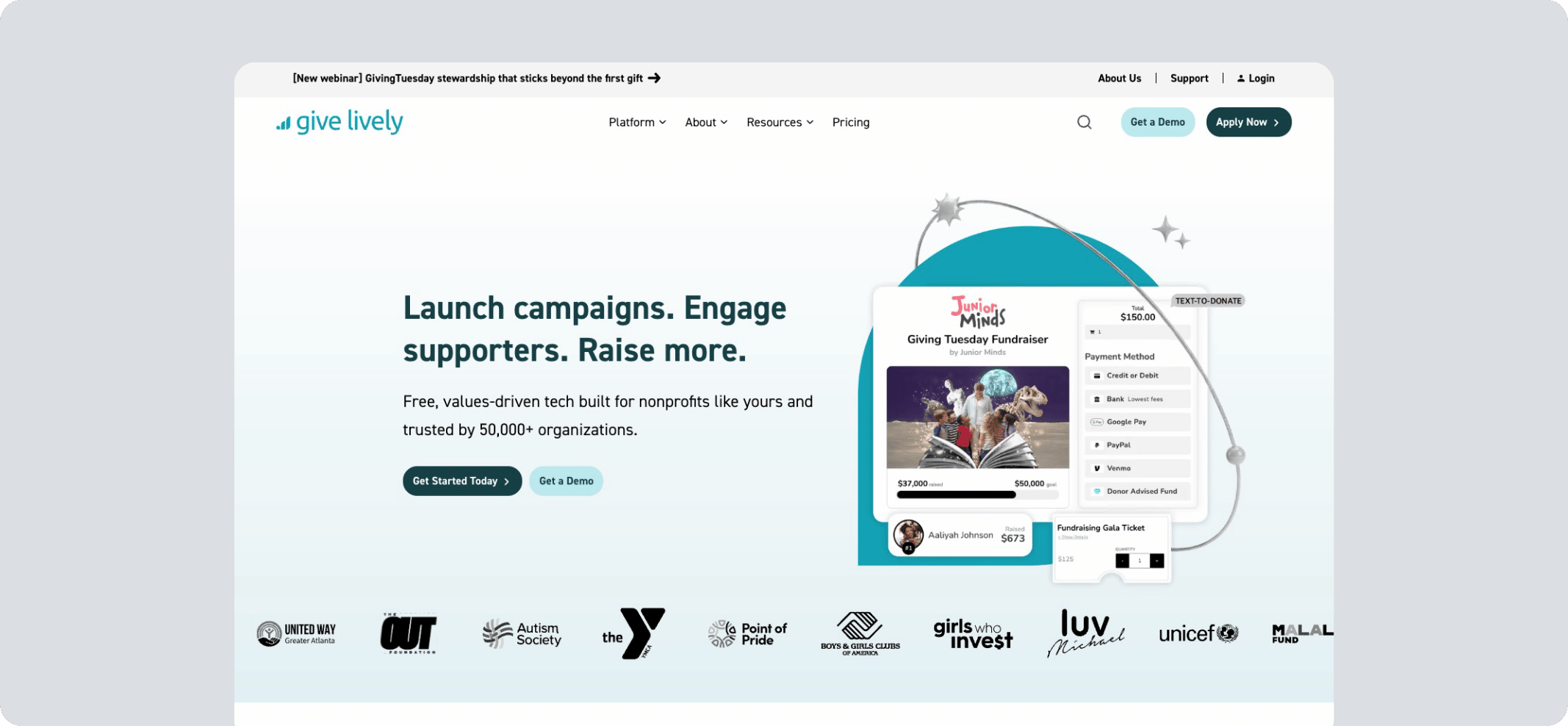
Give Lively is a no-cost fundraising platform for eligible nonprofits, funded by philanthropy and donor tips. It offers donation pages, text-to-donate, event ticketing, and peer-to-peer tools, with payments processed through Stripe.
Pros
- Embeddable donation widgets and standalone donation pages
- Event ticketing with tiered pricing and complimentary ticket options
- Peer-to-peer fundraising links managed independently by supporters
- Livestreaming support for virtual fundraiser events through YouTube or Vimeo
- Zapier integration connecting to other tools
Cons
- Membership is subject to approval, so it isn't available to every nonprofit
- No built-in CRM, so donor data must be exported and managed in a separate system
- Reporting functionality can be difficult to navigate for understanding specific date ranges
- No CNAME or custom domain functionality, unlike some other donation platforms
Pricing
Free to member nonprofits. Card processing runs through Stripe or Shift4, starting around 1.99% + $0.25 per transaction, depending on the processor.
9. Eventbrite
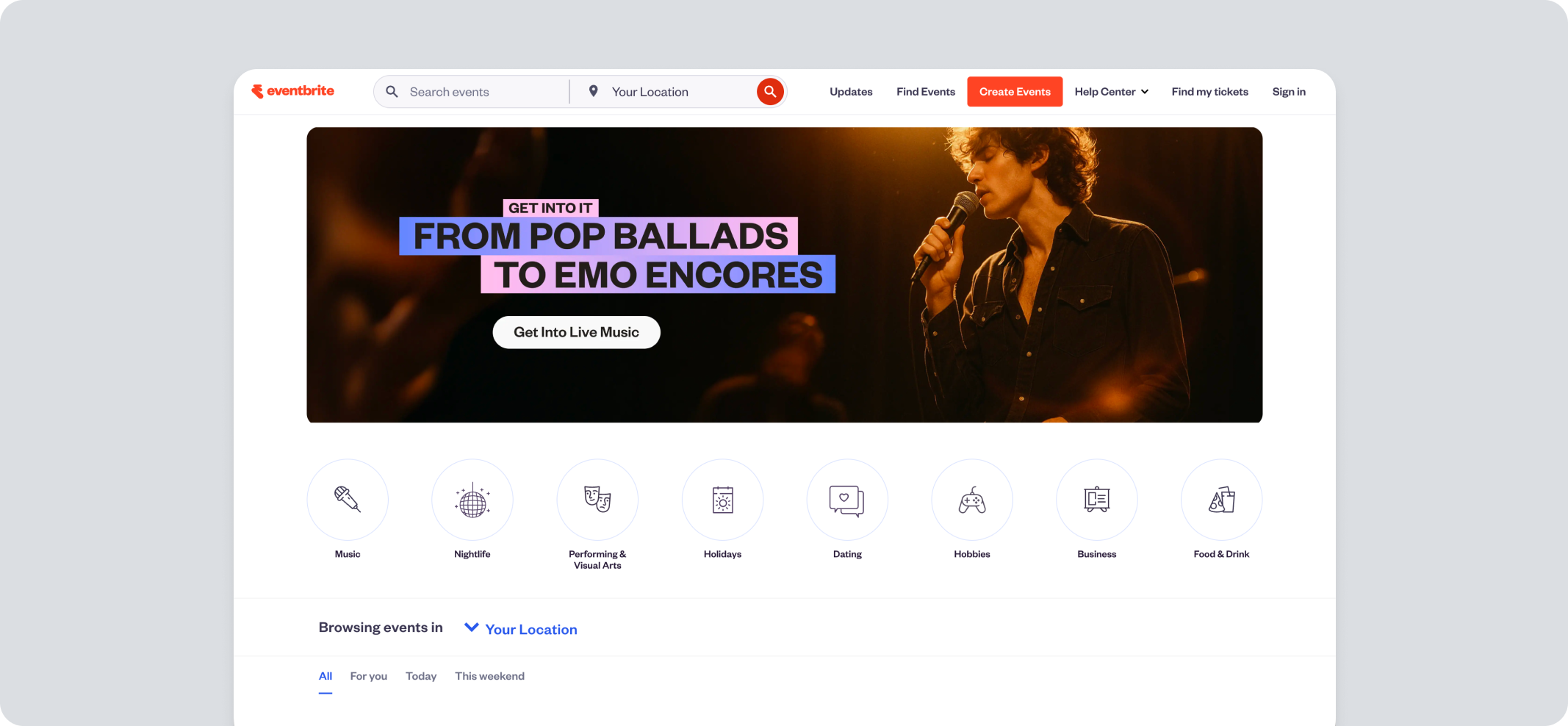
Eventbrite (acquired by Bending Spoons) is a broad event ticketing and registration platform, not built specifically for nonprofits, but used by some for simple event promotion and ticket sales.
Pros
- Event website builder with customizable registration forms
- Mobile check-in app for on-site event management
- AI-assisted event page creation tools
- Broad event discovery through Eventbrite's public marketplace
- Attendee communication tools for updates and reminders
Cons
- Per-ticket fees run high for small nonprofit events, with no fee cap
- No sponsorship management, auctions, or peer-to-peer fundraising
- Eventbrite retains rights to attendee data and markets other events to your guests
- Capterra reviewers find attendee data exports awkward to work with for reporting
Pricing
- Pro 2K: $15/month
- Pro 6K: $50/month
- Pro 10K: $100/month
Annual billing takes 20% off, and qualifying nonprofits in the US, Canada, UK, Ireland, Australia, and New Zealand receive 50% off all Pro plans after verifying status through Eventbrite's partner.
Neither discount reduces per-ticket fees. A service fee of 3.7% + $1.79 per ticket applies, plus 2.9% processing per order, with no fee cap.
10. Accelevents
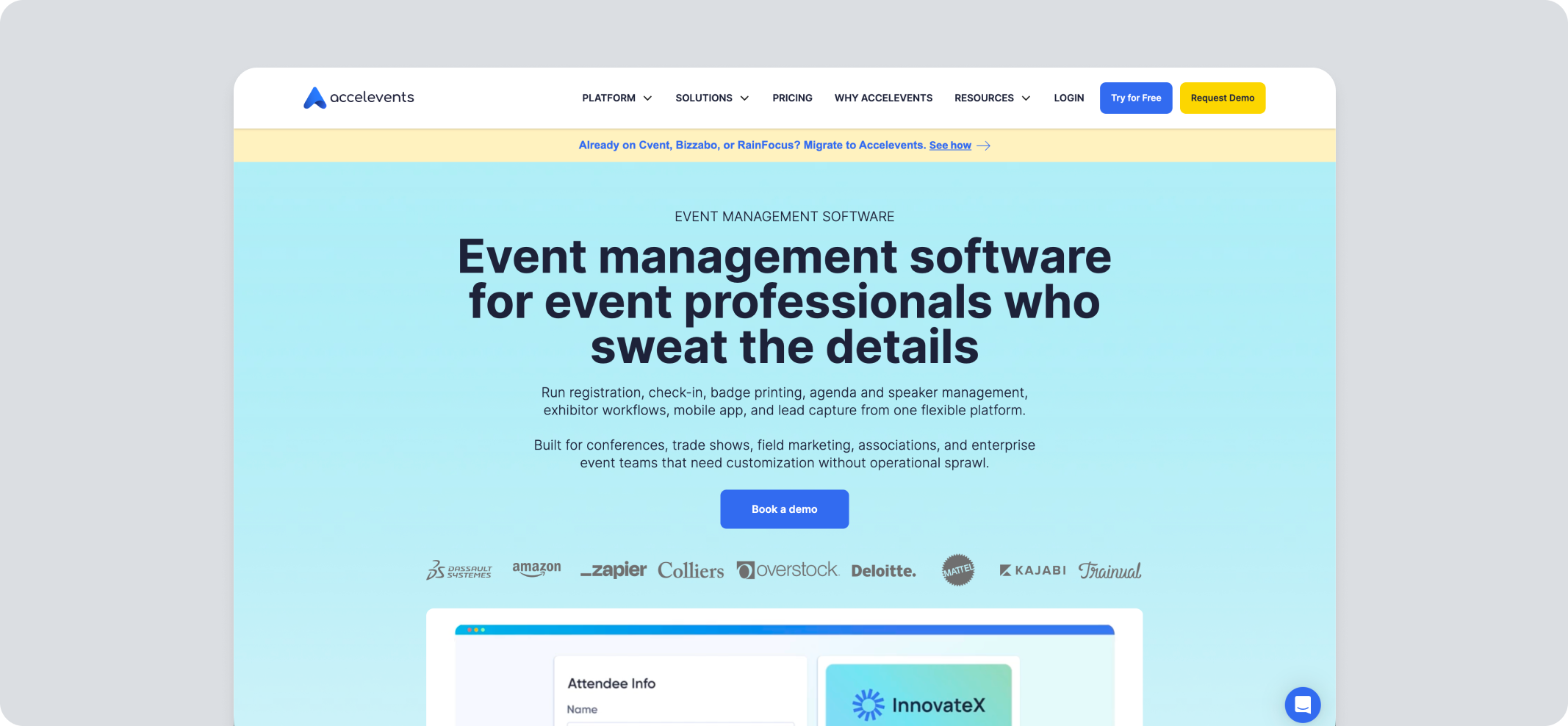
Accelevents is a broader fundraising event management software that includes nonprofit fundraising features such as auctions, raffles, and text-to-give. It also supports in-person, virtual, and hybrid events.
Pros
- Drag-and-drop event website builder with fundraising progress display
- Auction, raffle, and fund-a-need tools
- Text-to-give with no app download required for bidders
- Badge design, printing, and self-check-in kiosks for event day
- CRM integrations for syncing attendee and donor data after the event
Cons
- Entry pricing is far above per-event or percentage-based competitors
- Annual contracts only, with hardware purchased separately
- Pricing runs on registrant credits, where a registrant is anyone with event access including staff, speakers, and exhibitors
- Fundraising modules are billed on top of the subscription
- Reviewers note that graduated ticket pricing may require duplicate ticket setups for different deadlines
Pricing
- Professional: From $7,500
- Business: From $13,500
- Enterprise: Custom pricing
- White label: Custom pricing
Card processing is 2.9% + $0.30 through Stripe or Square.
Fundraising modules are separate: auctions, raffles, and fund-a-need at $499 per event plus $1 per bidder, and text-to-give at $49/month plus 1% of donations processed.
Nonprofits can secure 10% off the activation price on Professional and Enterprise plans.
Which Platform Suits Your Nonprofit Fundraising Strategy?
The right pick depends on what your nonprofit actually runs each year, not just what looks impressive in a demo.
Success Story

Case Study: How First Tee Idaho Tripled a $20,000 Goal on Its First 100-Hole Hike
When Nick Blasius took over as executive director of First Tee Idaho in 2019, the chapter had never run a golf marathon. So when he brought the idea of a 100-hole hike to his board in 2022, he was pitching something none of them had done before, with no benchmark for what a realistic target looked like.
They settled on $20,000. Enough to fund the chapter's programs and start putting money toward a facility of its own.
What made the pitch land, Blasius has said, wasn't the fundraising plan so much as the fact that the infrastructure was already sorted. Running the campaign on Pledge It (the complete P2P fundraising platform) meant he could tell the board the platform was in place to launch it, market it, and process payments before anyone had committed to anything.
The $20,000 goal was cleared within the first two weeks. The campaign kept climbing after that, and by the time the last hole was played, the chapter had raised $63,300 - more than triple what it had set out to do.

The more useful detail is what happened next. First Tee Idaho has run the 100-hole hike every year since, including 2026, and it has expanded what it does with the platform each time.
It is one of more than fifty First Tee chapters now fundraising on Pledge It, several of which have reported similar year-over-year growth as a first campaign turns into an annual one.
One chapter's result is not a benchmark but a fair illustration of what happens when a first-time event doesn't have to fight its own tooling.
Find Your Best-Fit GoFundMe Pro Alternative
Choosing the right platform comes down to matching its capabilities, cost, and complexity to how your nonprofit runs events.
GoFundMe Pro can handle a wide variety of fundraising and event types. But accessing the full range of features can get expensive, with additional feature buy-ups spread across two different platforms.
That is the real test for any GoFundMe Pro alternative. It should handle the full arc of organizing a fundraiser, from registration through the final thank you.
Pledge It (the complete event fundraising platform) brings that complete bundle together in one platform. It is a fundraising event platform built for the work you are already doing, without requiring you to manage five different logins.
Ready to run your next event on one platform? Get started with Pledge It.