Two nonprofits can run the same gala and need completely different software. One raises most of its funds from live bidding in the room. The other raises it from the networks its guests bring with them. Same event, different engine, and the platform that works for one might underperform for the other.
That's the gap we’re aiming to close in this comparison. Each platform below is broken down by what it's built to run, how much it costs after all fees are accounted for, and where it stops being the right fit.
If you're choosing a platform for the first time, switching from one, or building a case for your board, this gives you the specifics to make that call.
Quick Look at the 15 Best Fundraising Software for Nonprofits in 2026
If you only have 5 minutes, this table lines up the best fundraising software options by their standout feature, top capability, and pricing structure. Consider it a fast-track view of the best fundraising software for nonprofits.
*Capterra rating as of August 2026.
How We Evaluated These Platforms
We looked at each platform's published pricing pages and support documentation, the fundraising types it natively supports, and what current users report on Capterra and G2. We have mentioned so in case a provider doesn't publish subscription pricing.
A note on fairness: Every platform here does something well. The goal is to help you match a tool to how your organization actually fundraises.
What is a Fundraising Software Tool and Why Do You Need it?
Fundraising software is the system that runs your donation forms, event and campaign pages, participant fundraising, and the donor records behind all of it.
It prevents work from being split across email, spreadsheets, and a payment processor that don't complement each other. Here's what a solid fundraising nonprofit platform setup gives you:
Easier Data Control
Every donation, ticket sale, and pledge comes into one system instead of three. You stop reconciling spreadsheets by hand and avoid losing a donor's history when a volunteer changes roles.
Stronger Fundraising Performance
Built-in recurring giving, peer-to-peer pages, and optimized checkouts convert more visitors into donors than a plain donate button.
The right event ticketing software for nonprofits improves the checkout flow, so you can tap into more funds across every campaign.
Improved Donor Experience
A clean, mobile-friendly giving page and a fast checkout keep donors from abandoning a gift halfway through.
Fundraising platforms that feel clunky at checkout shapes whether someone gives again.
Read about usability and user-friendliness in fundraising software
Automation for Repetitive Tasks
Thank-you emails, tax receipts, and reminder sequences go out automatically instead of sitting on a to-do list.
The right nonprofit fundraising tool removes hours of repetitive work without removing the personal touch.
Compliance and Security
PCI-compliant payment processing, secure donor data storage, and audit-ready reporting protect both your organization and your donors.
This is non-negotiable for larger operations evaluating the best enterprise fundraising software platforms for nonprofit organizations, where a data mishap carries reputational risk.
Top 15 Fundraising Software for Nonprofits: Detailed Comparison
This is where the best fundraising software for nonprofits earns or loses its spot on your shortlist, once you see the real details behind the marketing page.
Note: Platform fees, plans, and features change often. Confirm current rates and features on each provider's pricing page before you sign anything.
Pledge It: Complete Event Fundraising Platform
Best for: Nonprofits of all sizes in the US that are running signature events year after year
Pledge It is a complete event fundraising platform built around events rather than around donation forms.
Registration, ticketing, peer-to-peer fundraising, sponsorships, and post-event reporting live in a single campaign on a single dashboard, so a smaller team doesn't have to connect four tools during the event.
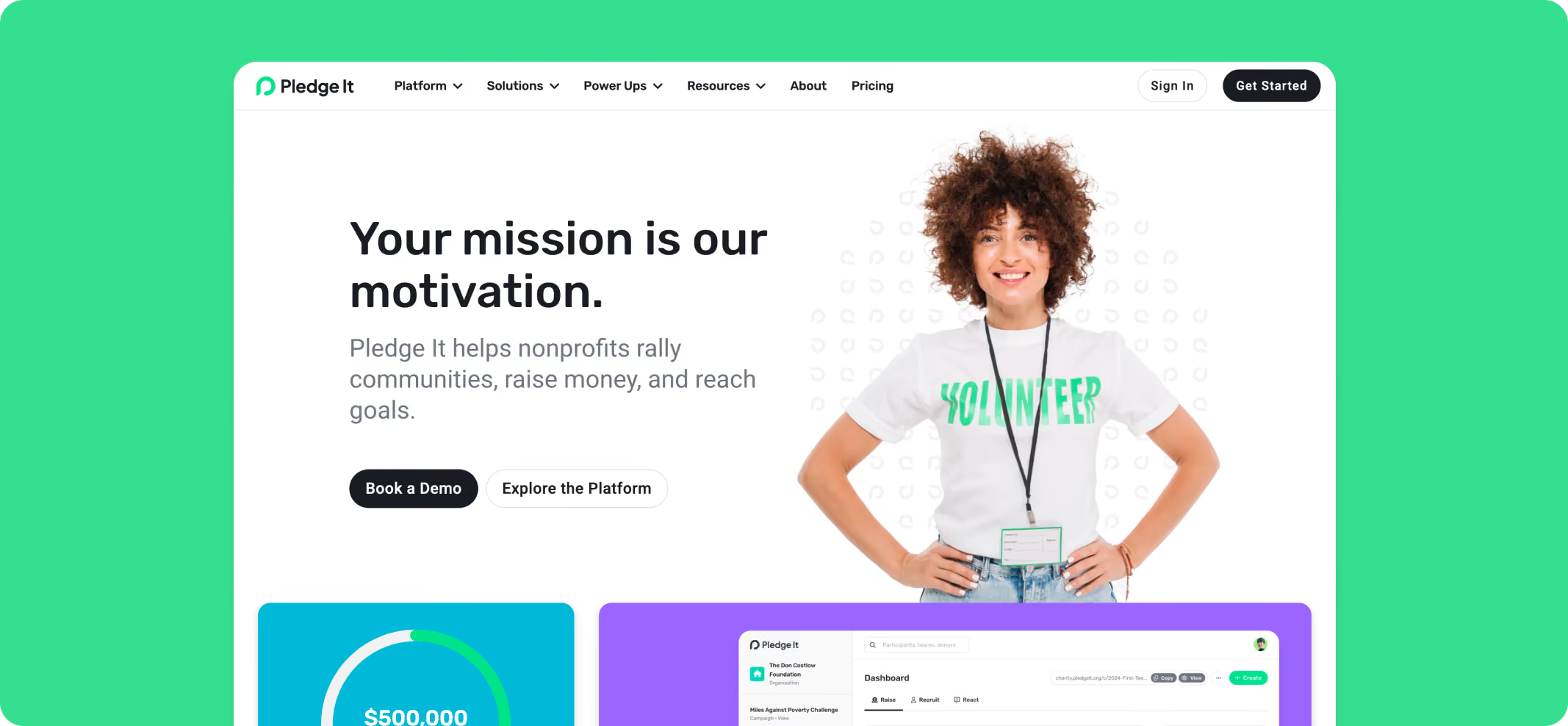
Key Capabilities of Pledge It
- Peer-to-peer and team fundraising pages with leaderboards, achievements and milestones, email, and social sharing
- Event ticketing and registration, including table seating, attendee tracking, and event-day live donation displays
- Best-in-class sponsorship management tool to help with sponsorship sales and fulfillment, with automatic sponsor ticket allocation
- Activity and endurance fundraisers like walks, runs, rides, and challenges
- Year-over-year reporting that shows last year's participants and donors, and who hasn't come back
- Power-Ups for raffles and 50/50s, silent auctions, and a merchandise shop
- Integrations with several tools
- Dedicated Customer Success Manager on annual and Enterprise plans
Pricing
Every plan includes the full platform, unlimited campaigns, and unlimited users. There are no per-seat or per-feature charges.
Transaction fees are separate from the subscription and are directly paid to the payment processor.
Note: Nonprofits can ask donors to cover the transaction fee and Pledge It platform fee so more money stays with the mission.
Pros
- Purpose-built for recurring event fundraising rather than adapted from a donation form
- Dedicated Customer Success Manager included on annual plans, not sold as an add-on
- Registration, participant fundraising, sponsorships, all in one dashboard
- Subscription price published up front, with no per-user or per-feature charges
- Funds settle into your own Stripe account with daily deposits, so you control access to your funds
Cons
- Not a donor CRM; it integrates with the CRM you already use rather than replacing it
- Built for US-based fundraising
Why Pay for Pledge It When Competitors Advertise as "100% Free"?
"Free" fundraising software isn't truly free, it moves the cost from your invoice to your event's supporters and performance. For nonprofits running walks, galas, and peer-to-peer campaigns, the trade-off costs more than a subscription. Here is how it works:
- "Free" platforms recover costs through tips: The platform's revenue comes from an optional contribution added at checkout.
- Event-specific tools are an afterthought: Many free platforms are built primarily for simple donation forms. Auctions, live leaderboards, and event-day check-in are bolted on rather than purpose-built.
- Support models differ: Free platforms typically rely on AI chatbots and help documentation. A subscription funds a named person who knows your event and can plan with you before launch.
- Pricing predictability protects your budget: A flat subscription is the same number in a quiet August and a record-breaking December. Percentage-only models scale with your success in both directions.
Pledge It's subscription pays for the tooling and support that event-led nonprofits rely on most on event day. Whether that trade is worth it depends on how much of your revenue runs through events.
GoFundMe Pro
Best for: Larger nonprofits that want an enterprise fundraising suite backed by GoFundMe's donor reach
GoFundMe Pro (formerly Classy) combines its brand's wide reach with dedicated fundraising tools for donation pages, peer-to-peer, and events.
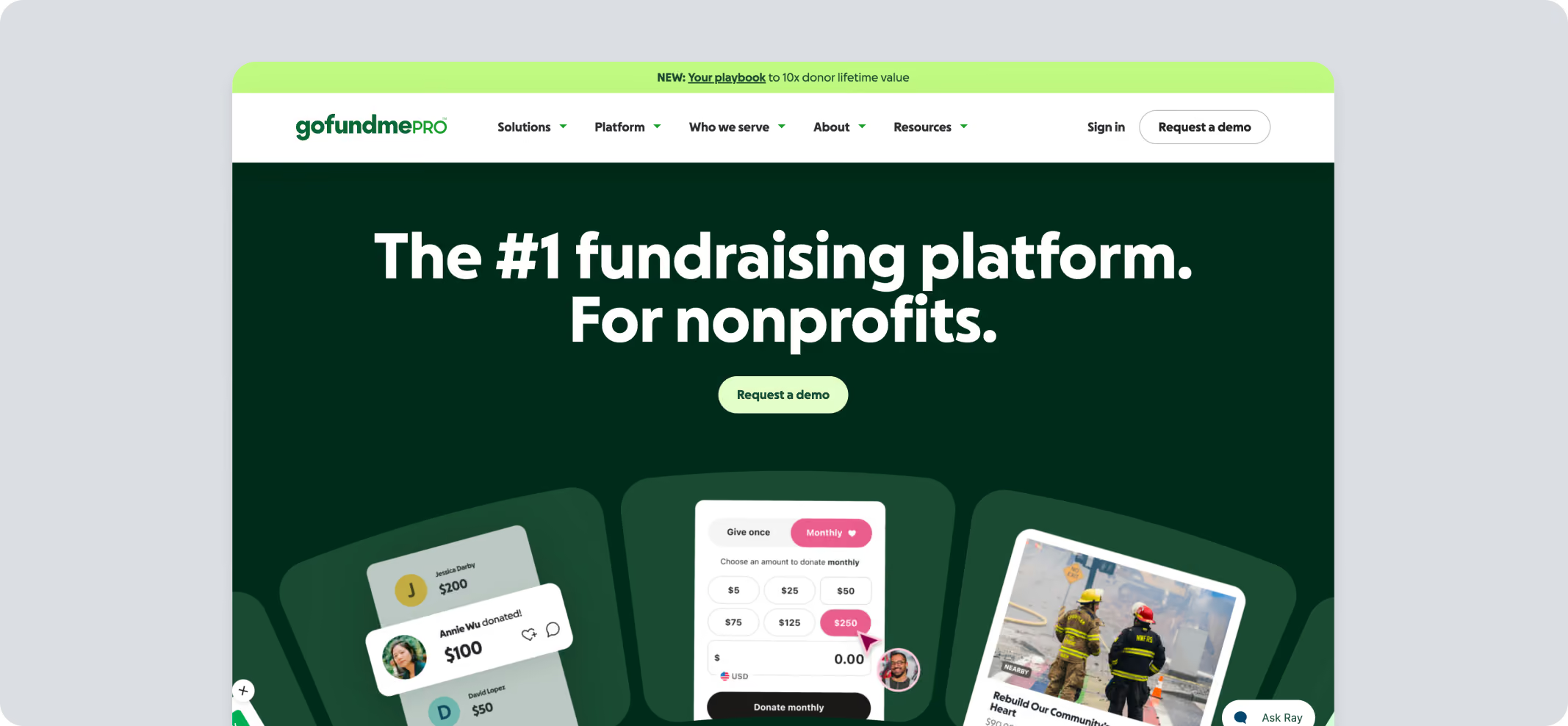
Key Capabilities
- Donation pages and peer-to-peer campaigns
- Event fundraising and ticketing
- Salesforce and Blackbaud integrations
- Optional add-ons, including CRM integration for federated organizations
Pricing
Pricing not available publicly.
Pros
- Widely recognized consumer brand
- Instant name recognition
- Strong integrations for larger nonprofits
Cons
- No published subscription pricing, which makes early budget comparison difficult
- Reviewers frequently describe it as a significant investment relative to lighter platforms
- Consumer GoFundMe and GoFundMe Pro are separate products; make sure you're comparing the right one
Bloomerang
Best for: Donor retention-focused CRM
Bloomerang is a fundraising platform built around a donor management tool. It has retention analytics and a fundraising module (formerly Qgiv) available as an add-on.
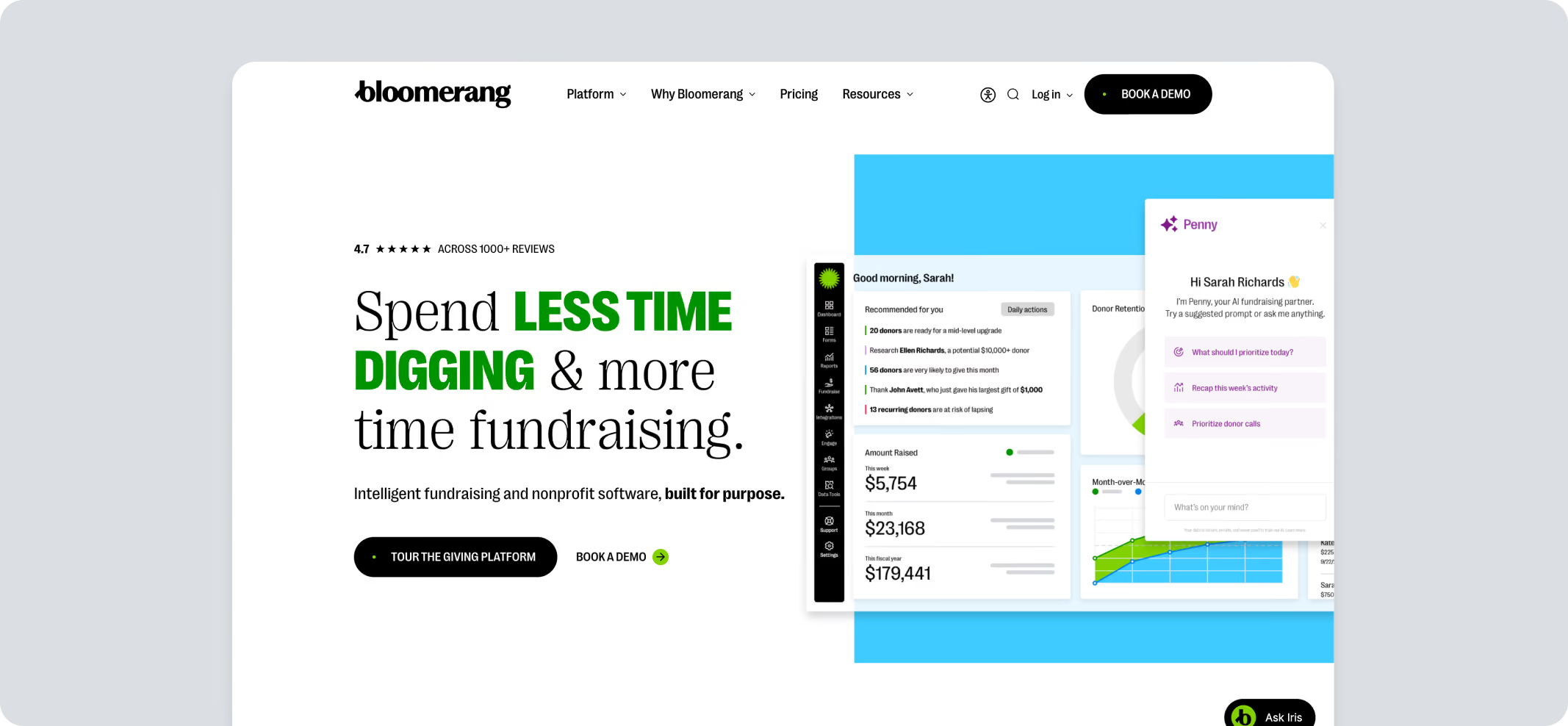
Key Capabilities
- Donor CRM with unlimited users
- Retention and engagement scoring
- Add-on fundraising module for online giving and peer-to-peer
Pricing
Payment processing is billed separately through Bloomerang Payments. Other charges might apply.
Pros
- Unlimited users on every plan
- Strong retention and engagement reporting
- Well-regarded customer support
Cons
- Pricing scales with contact count. Tiers are not published.
- Fundraising tools require bundling with the core CRM
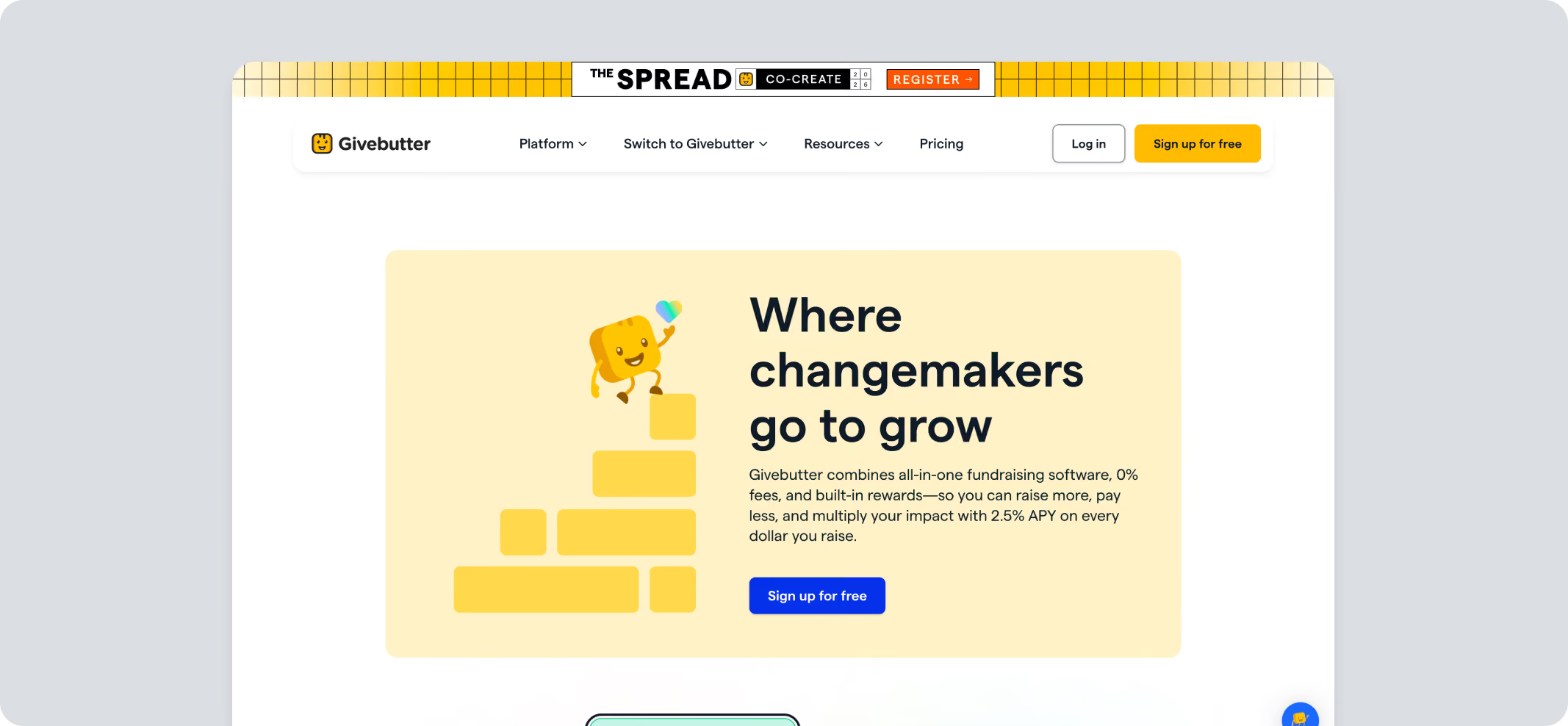
Givebutter
Best for: Small teams that want donation forms, events, and a light CRM
Givebutter covers donation forms, event ticketing, peer-to-peer campaigns, auctions, and a built-in CRM, funded by optional tips donors leave at checkout.
Key Capabilities
- Donation forms, events, and peer-to-peer in one system
- Built-in light CRM with unlimited contacts on the free plan
- Text and email campaign tools
Pricing
Pros
- Full feature set available for free
- Unlimited users and contacts on the free tier
- Highly rated customer support
Cons
- The free model depends on donors accepting the tip prompt
- Enterprise pricing isn't published
- Givebutter Plus pricing is based on total contacts, including event registrants and newsletter signups, not just donors
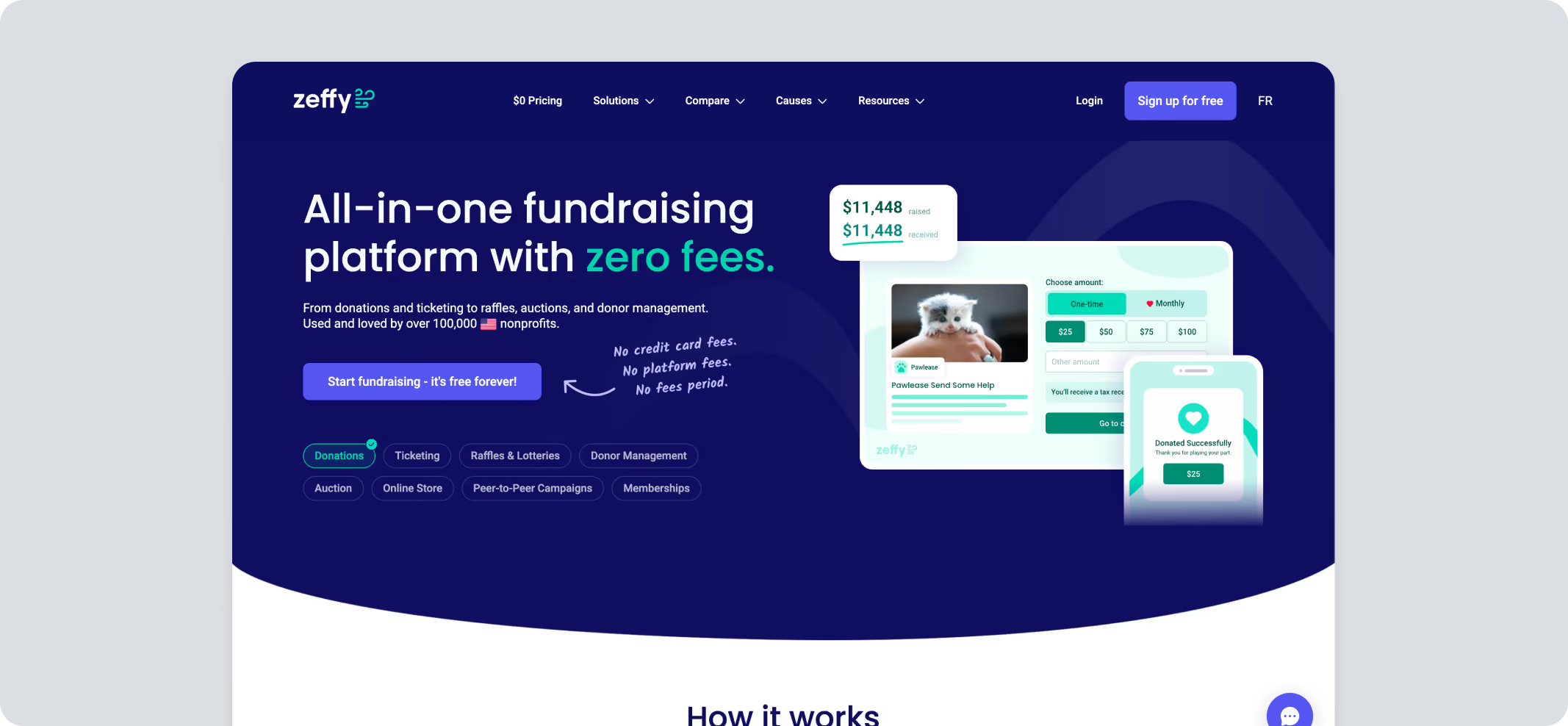
Zeffy
Best for: Grassroots-level US and Canadian nonprofits that want a full toolkit at zero cost
Zeffy is a fundraising software for nonprofits that covers all platform and processing costs through optional donor contributions, so nonprofits keep all of what they raise.
Key Capabilities
- Donation forms, ticketing, and memberships
- Raffles and auctions
- Peer-to-peer campaigns
Pricing
Zero charges with optional donor tipping.
Pros
- Free tool for nonprofits
- Easy setup
Cons
- The model depends on donors opting into the voluntary contribution, which adds an ask on top of every gift
- Less depth than event-first platforms for complex, multi-stream event fundraising
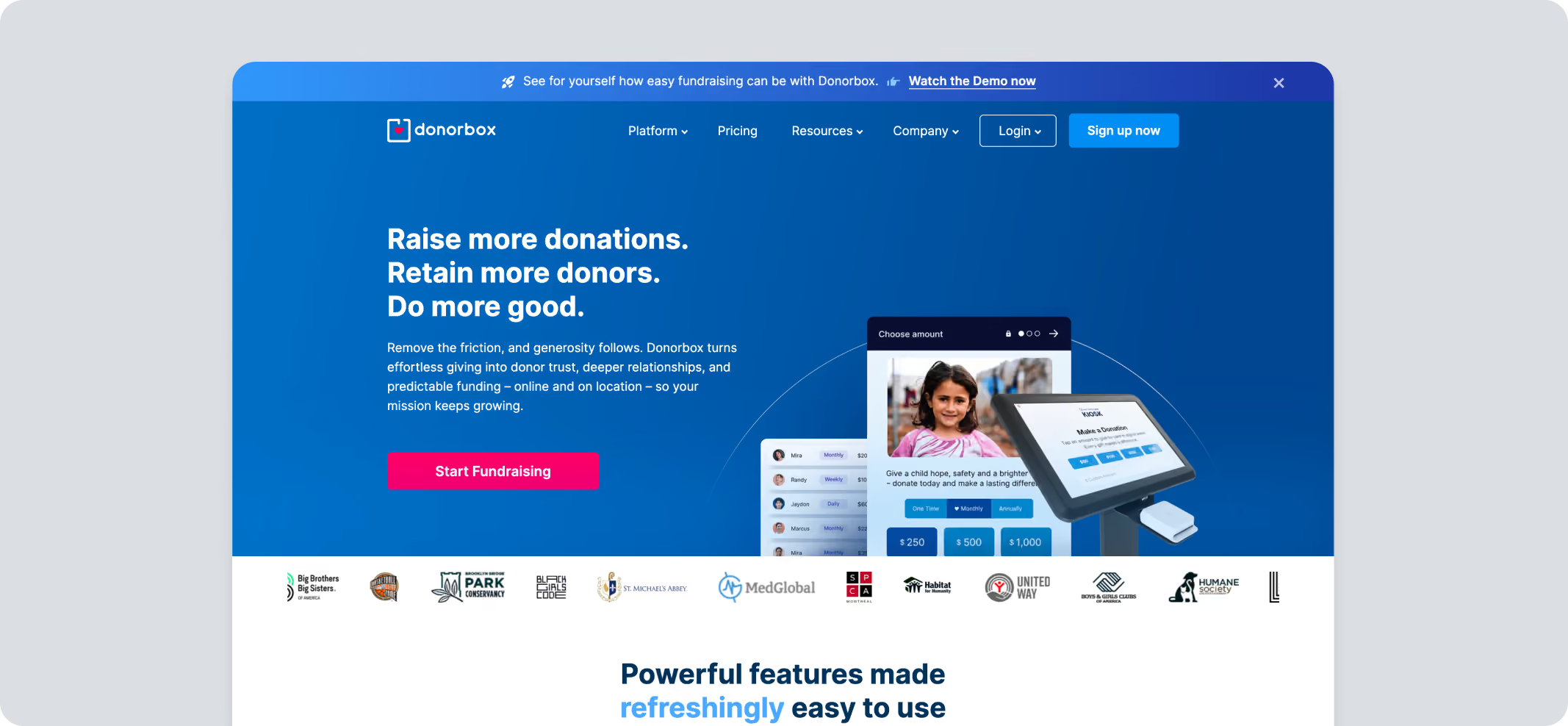
Donorbox
Best for: Organizations that mainly need strong donation forms and recurring giving
Donorbox is a donation form and campaign builder with tiered plans for nonprofits. While the tool is renowned, the charges can add up for small- to mid-sized organizations.
Key Capabilities
- Recurring giving with flexible intervals and a donor portal
- Event ticketing, memberships, and crowdfunding pages
- Peer-to-peer fundraising, both organization-run and supporter-run
- Text-to-Give and Live Kiosk as paid add-ons
Pricing
Pros
- Published, easy-to-model platform fees
- Large user base and a mature product
Cons
- Platform fees rise to 3.95% on Standard for ticketing, memberships, and supporter-run peer-to-peer
- Pro's $150/mo only pays for itself at meaningful online volume
- Integrations are priced individually, so the real monthly cost can exceed the plan price
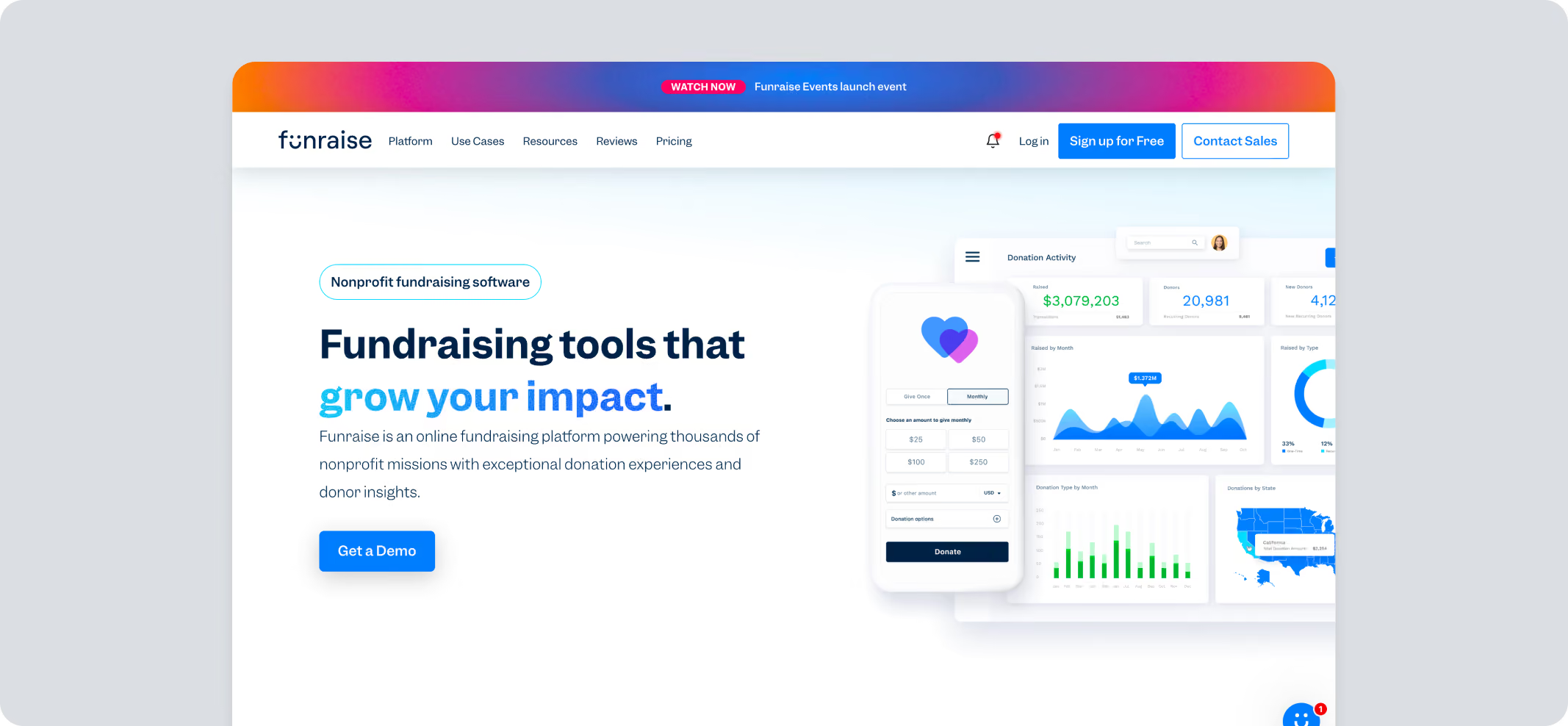
Funraise
Best for: Growing nonprofits that want fundraising and donor management from one provider
Funraise pairs fundraising pages with a donor CRM, wealth screening, and reporting. The company positions its fee-based Essentials product for organizations under $1M in revenue, with premium plans for larger programs.
Key Capabilities
- Donation forms, pages, events, and ticketing
- Peer-to-peer fundraising on premium plans
- Donor CRM, wealth screening, and reporting dashboards
- Broad payment support including ACH, PayPal, Venmo, Apple Pay, DAFpay, and crypto
Pricing
Pros
- Free entry point
- Fundraising and CRM in one place, with strong reporting depth
Cons
- The 5% platform fee on Essentials is high if donors don't cover fees
- Peer-to-peer, auctions, and text engagement sit behind premium plans
- Exact premium pricing still requires a sales conversation
MonkeyPod
Best for: Nonprofits that want fund accounting and fundraising in the same system
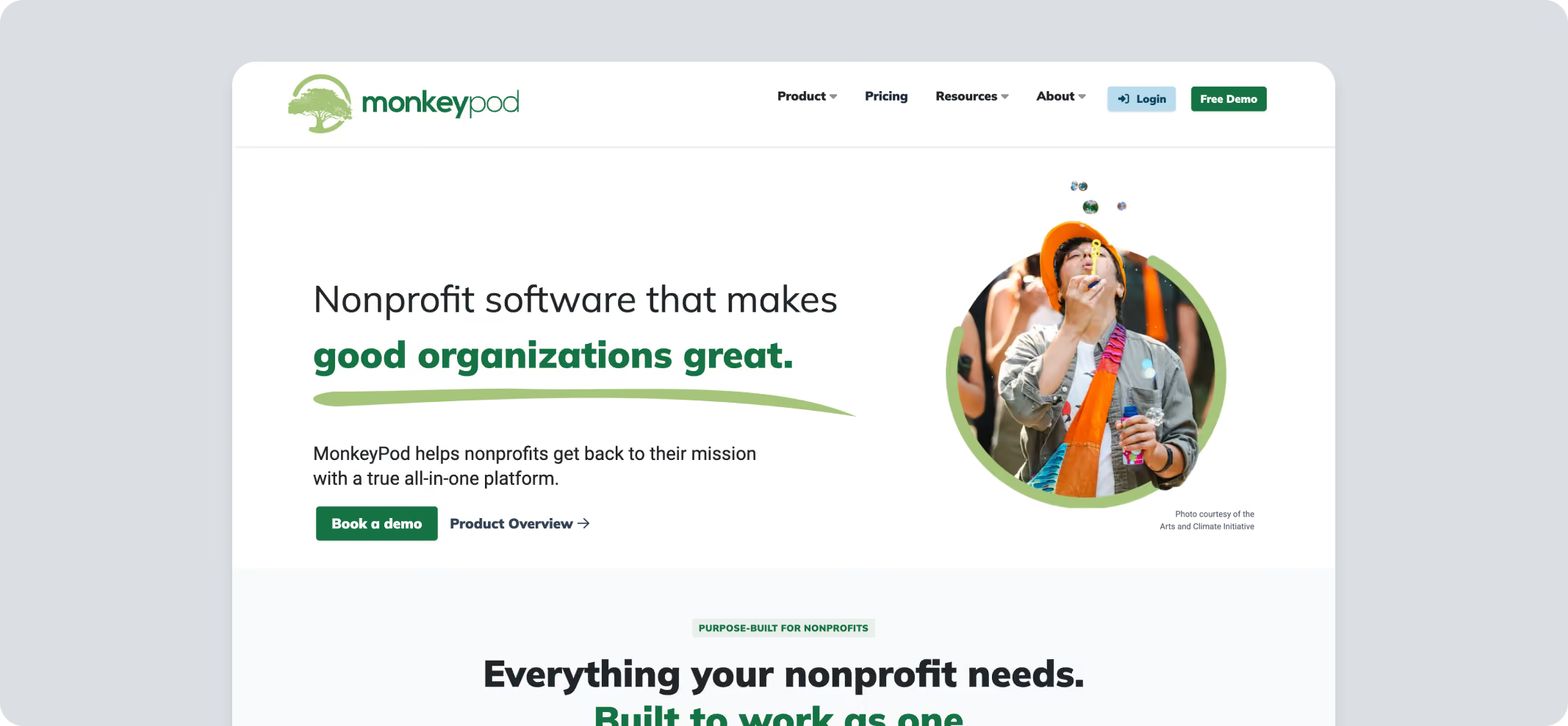
MonkeyPod is fundraising software for nonprofits that bundles nonprofit fund accounting, CRM, grant tracking, and online fundraising into a single flat-rate platform.
Key Capabilities
- True nonprofit fund accounting with restricted grant tracking
- Donor CRM, email marketing, and online fundraising
- Unlimited users and records on every plan
Pricing
Pros
- Unlimited users and records at every tier
- Removes the gap between the books and the donor database
- Flat pricing with no per-record surprises
Cons
- Steeper learning curve for teams new to fund accounting
- Processing fees can add up
Fundraise Up
Best for: Donation conversion optimization
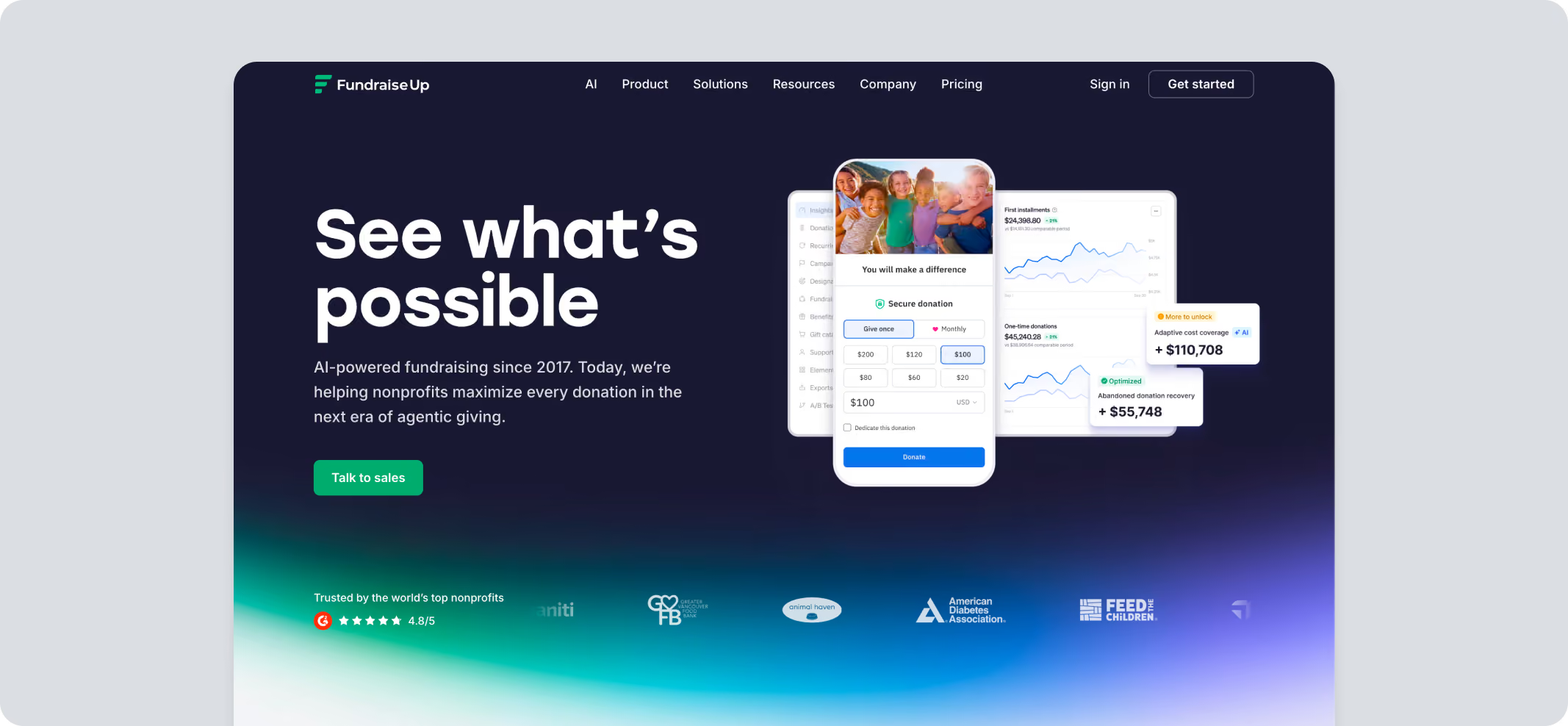
Fundraise Up focuses on the checkout itself, using data-driven prompts to lift conversion rates and recurring gift sign-ups.
Key Capabilities
- AI-optimized checkout and campaign pages
- Recurring giving prompts
- Self-service donor portal
Pricing
No monthly fee; 4% transaction fee (5% for crypto) + processing fee of 2.2% + $0.30 via Stripe, or 1.99% + 49¢ via PayPal at nonprofit rates.
Pros
- Clear focus on conversion and recurring giving
- Integrates cleanly with existing CRMs
Cons
- The effective cost scales directly with donation volume, with no published volume tiers
- Fewer built-in event, auction, or sponsorship tools than event-first platforms
Handbid
Best for: Mobile bidding auctions
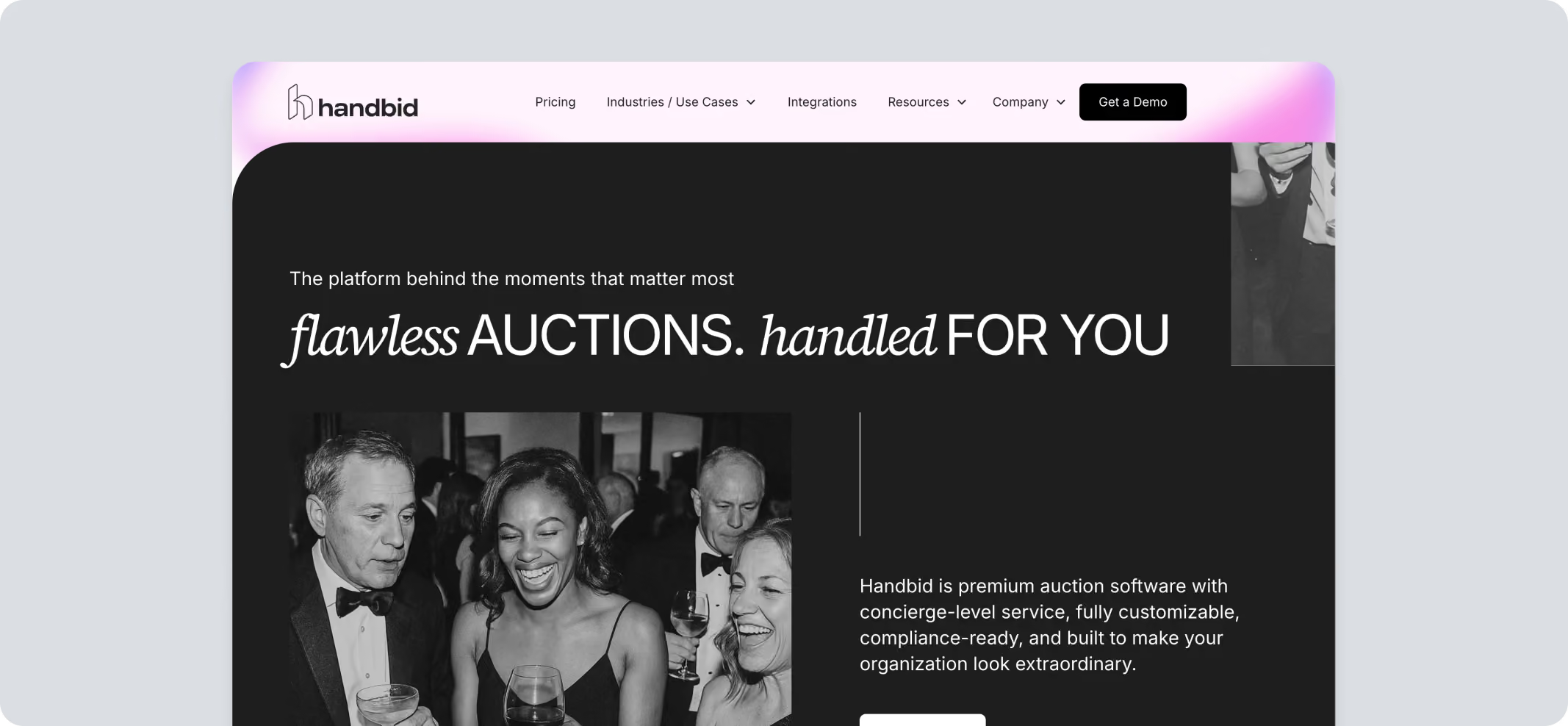
Handbid is a mobile-first auction platform and a good pick for virtual fundraising events that nonprofits run online, with native apps for silent and live bidding.
Key Capabilities
- Silent and live auction management with item catalogs and checkout
- Text-to-give included
- Livestreaming tools for remote bidders
Pricing
Pricing requires a consultation.
Pros
- Purpose-built for auction night specifically
- Strong native mobile bidding experience
- Responsive customer support
Cons
- Packages are structured around events, so cost scales with how many you run.
- Limited use outside auction-style fundraising
Giveffect
Best for: Organizations consolidating fundraising, volunteering, and CRM
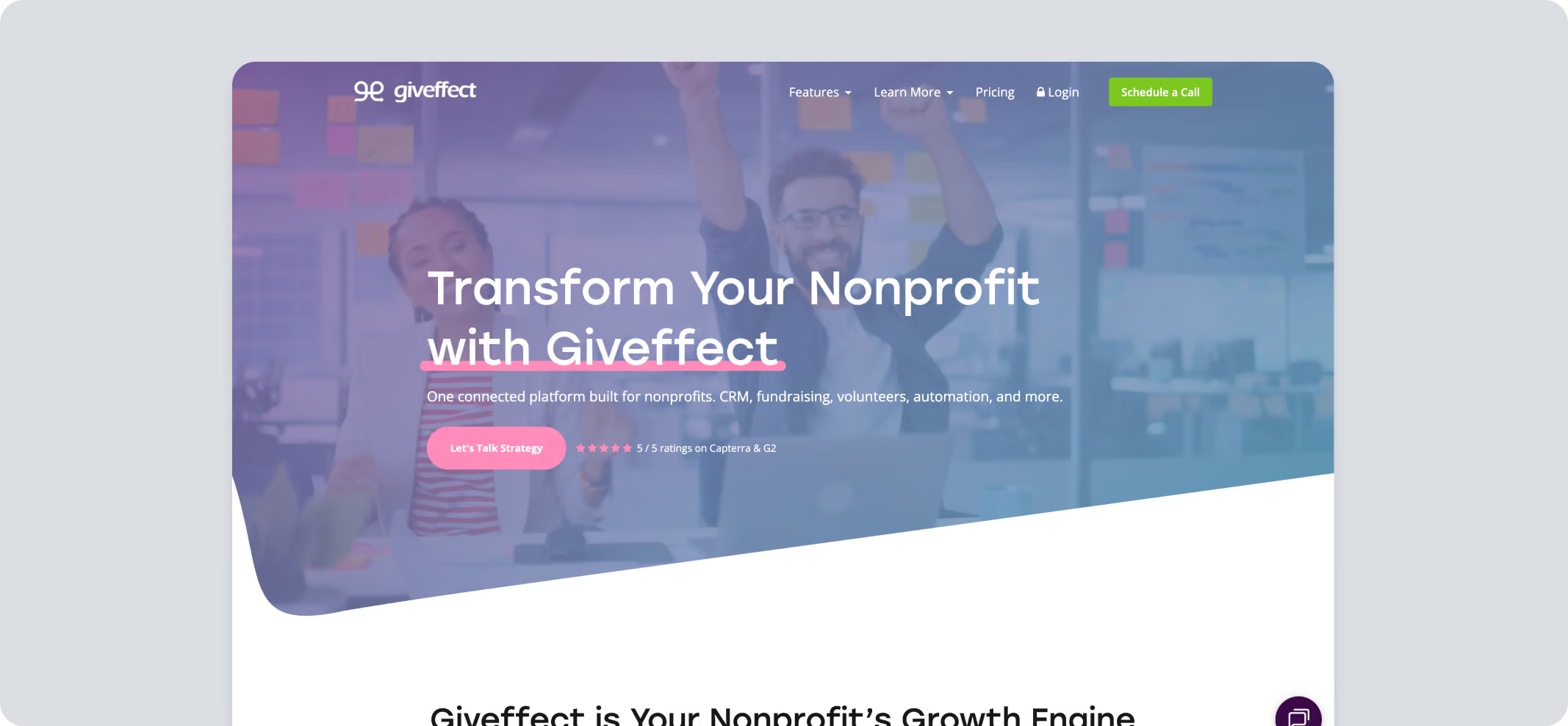
Giveffect combines CRM, volunteer management, and fundraising into a single system, designed for medium to large-sized organizations.
Key Capabilities
• Donor and volunteer CRM in one system
• Peer-to-peer and event fundraising websites
• Wealth screening and prospect identification
Pricing
Pricing not available publicly.
Pros
- Consolidates several tools into one shared database
- Strong dedicated account support
Cons
- Pricing requires a sales conversation
- Steeper learning curve given the breadth of features
OneCause
Best for: Large-scale galas and auctions
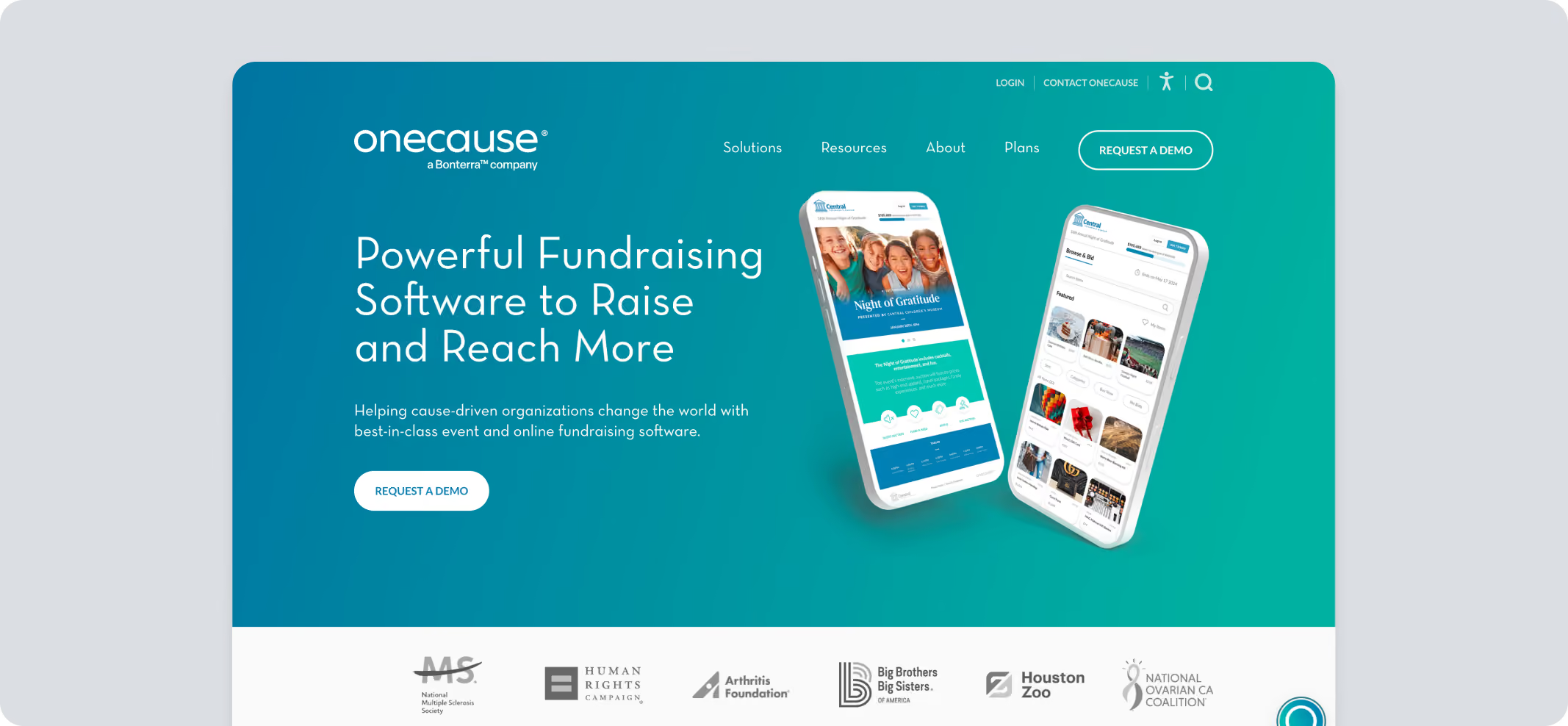
OneCause, acquired by Bonterra in October 2025, focuses on ticketed in-person event fundraising: galas, auctions, and the event-day operations around them.
Key Capabilities
- Mobile bidding for silent and live auctions
- Event ticketing and table management
- Peer-to-peer and online giving
Pricing
Limited information available on the site:
- Pay-As-You-Go starting at $200
- 5% pay-later fee applies to funds raised
- Professional Auction & Event package: $2,995 annually
- Flat annual plans and other product packages available
Pros
- Strong track record with large galas and auctions
- Extensive event-day support
Cons
- Pricing runs higher than that of several competitors
- Not ideal for smaller orgs due to pricing and functionality
Mightycause
Best for: Giving days and community-wide team fundraising
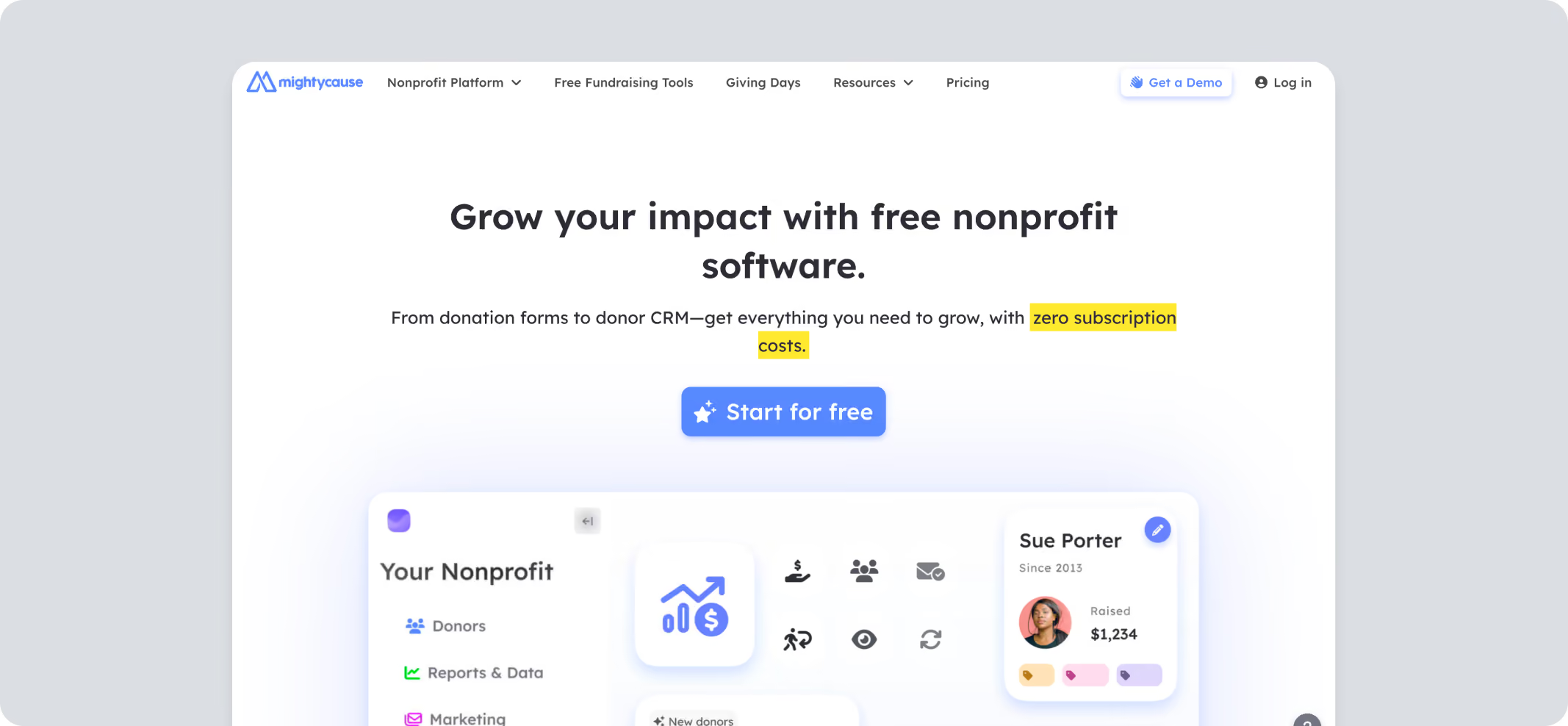
Mightycause is a free fundraising platform for nonprofits with a light CRM, popular for giving days, team fundraisers, and a-thon campaigns.
Key Capabilities
- Team and peer-to-peer fundraising
- Giving day campaign websites
- Recurring donation management
Pricing
Pros
- Donor tipping option available
- Long history with giving day campaigns
Cons
- Fewer advanced event or auction tools than event-first platforms
- Some reviewers describe the navigation as confusing
99Pledges
Best for: A-thon-style school and team fundraisers
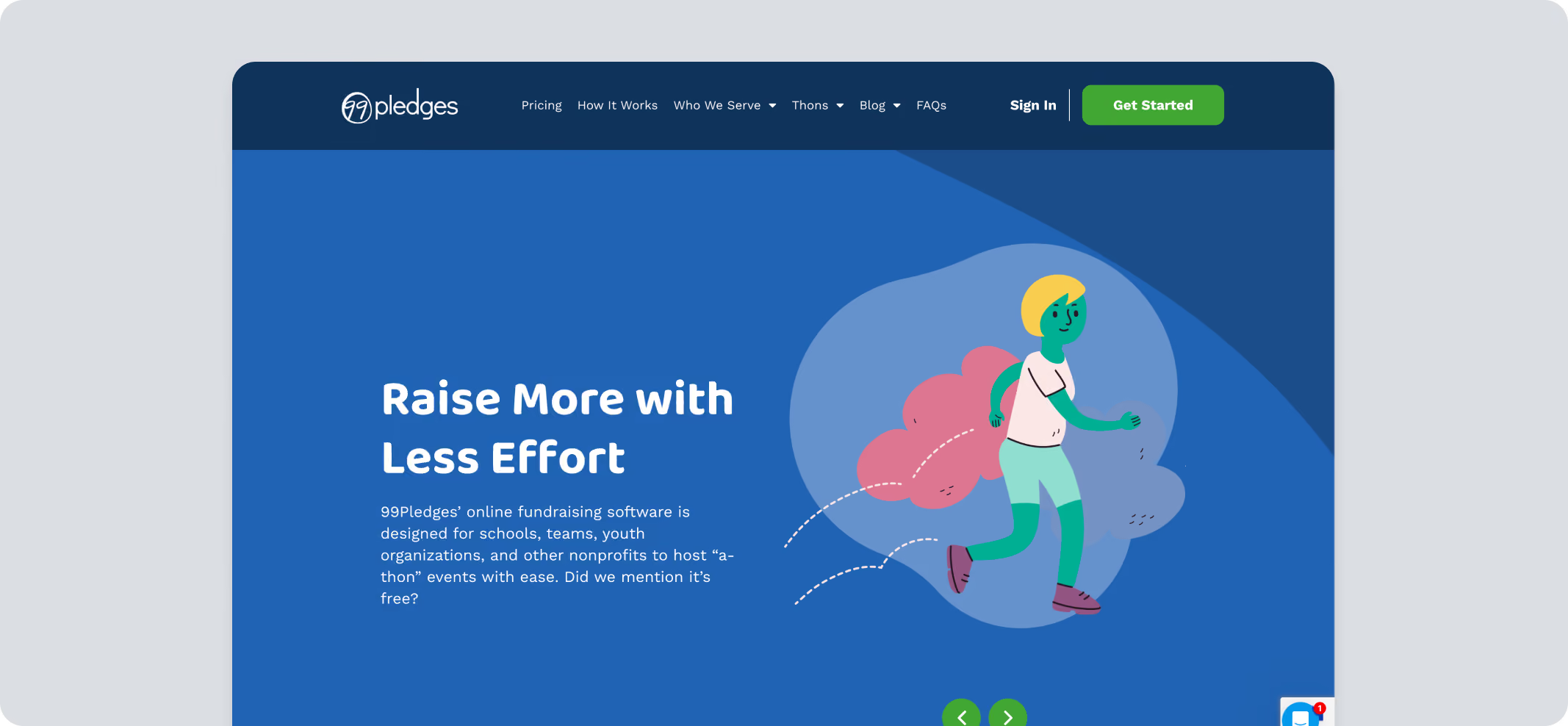
99Pledges is a simple pledge-collection platform built for a-thon-style events like walk-a-thons and read-a-thons.
Key Capabilities
- Unique participant pledge pages
- Social sharing tools for participants
- Campaign-wide progress overviews
Pricing
Pros
- No platform fee at all
- Simple enough for first-time volunteer organizers
- Included fundraising coaching
Cons
- Narrow focus on pledge-style a-thon events
- Limited donor management outside use case
Regpack
Best for: Camps, classes, and programs with complex registration
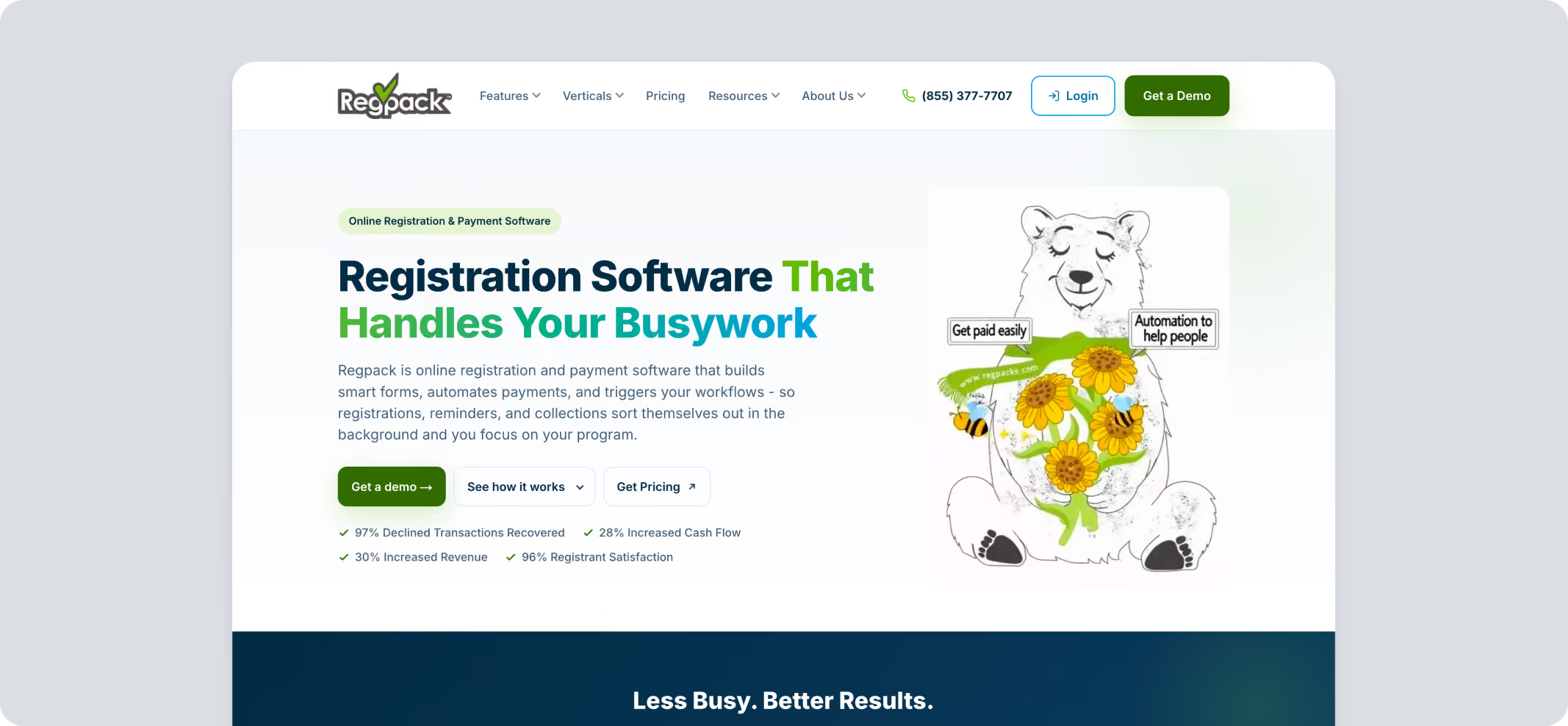
Regpack is built primarily as a registration platform, useful for nonprofits running camps, classes, or programs alongside fundraising.
Key Capabilities
- Custom registration and application forms
- Conditional logic for personalized sign-up flows
- Payment plans, deposits, and recurring billing tied to registration
Pricing
Quote-based annual tiers scaled by organization size, with payment processing starting at 1.5%.
Pros
- Strong fit for programs, camps, and classes
- Flexible, conditional registration logic
Cons
- Not built for donation or event fundraising
- Few donor management tools
- Subscription pricing requires a quote
Top Features to Look For in a Fundraising Software for Nonprofits
Some teams want one login for everything. Others are happy running two or three specialized tools well. Either way, these are the capabilities worth checking if you are organizing a fundraising event.
- Integrations: Your CRM, email platform, and accounting software should receive data automatically rather than by export and import.
- Crowdfunding: Supports campaign pages with a visible goal, story, and updates for time-limited fundraising pushes.
- Peer-to-peer fundraising: Individual pages tied to a central campaign - the engine behind walks, runs, and team events.
- Reporting and analytics: Turns raw transaction data into dashboards you can actually use for board meetings and planning.
- Pledge management: Tracks promised gifts and installment schedules, not just completed transactions.
- Donation buttons: Embeddable, branded buttons you can drop onto any page of your website.
- Text-to-give: This lets donors give by text message, useful for in-person events and quick appeals.
- Payment processing: Handles the actual transaction securely, ideally with nonprofit-discounted processing rates.
- Recurring giving options: Simple monthly or annual setup for donors, and manageable subscriptions for you.
- Auction features: Supports bidding, item catalogs, and checkout for silent and live auction fundraisers.
Top Fundraising Platforms Sorted by Use Case
Here's the use-case table, built from each platform's strengths:
*Raffles, 50/50 drawings, and other gaming-style fundraisers are regulated differently from state to state. Software can run the mechanics, but check your own state's charitable gaming rules before you launch.
Choosing the Right Fundraising Platform for Your Nonprofit
A team running one annual gala needs something different from a team chasing the year-end momentum, and both need something different from a school running a spring fun run. Start with where your funds actually come from, then shortlist against that.
Pledge It is built for nonprofits of all sizes. Whether you're launching your first campaign or managing recurring events, it gives you one dashboard for registration, fundraising pages, and follow-up, backed by dedicated support from day one.
Pledge It brings intuitive forms, recurring giving, and so much to your campaign.