Your gala has four moving parts. Your ticketing software probably tracks one.
Tickets, sponsors, donations, guest list - most platforms handle the first one well and leave the other three to you.
That means sponsor payments end up in spreadsheets, donations appear in separate reports, and attendee data is harder to track for future events.
Then there's what it costs you and the features you get for it.
The internet is filled with a bunch of “free” options, but the trade-off in features is quite significant. You will eventually end up managing the platform rather than attending to your supporters.
So that's the lens for this analysis. We’ve curated a list of the top platforms that sell tickets for nonprofit events, and what each one charges and what it tracks once the sale is done.
12 Best Event Ticketing Platforms Comparison at a Glance
*Capterra ratings as of August 2026
How We Evaluated These Platforms: Each platform was scored against the same criteria in the checklist below, using each vendor's published pricing and feature documentation as of August 2026. Where a vendor doesn't publish subscription pricing, we've said so rather than estimating.
What is Event Ticketing Software?
Event ticketing software is a tool nonprofits use to sell tickets to an event online, collect payment, and manage the attendee list.
It handles checkout, processes payments, sends confirmation emails and digital tickets, and gives the team a live list of registered guests to work from on event day.
Most standard platforms also cover multiple ticket types, custom questions at checkout, table seating, mobile check-in, and sales reporting.
What isn't standard is how they treat everything attached to the ticket. That's where the category splits in two:
- General Ticketing Platforms for Events: Built to sell tickets in volume at any event type. Checkout and check-in are fast, but donations and sponsors sit elsewhere.
- Fundraising-First Event Ticketing Platforms: Registration, donations, sponsorship packages, and participant fundraising all run inside the same event campaign.
The difference shows up the week after the event.
A general tool gives you a registration list. A fundraising-first platform shows who donated, who became a sponsor, and who raised funds on your behalf. Above all, it makes planning and organizing a fundraising event much easier.
What Should You Look For in Event Ticketing Software?
Event ticketing software performs the same core job across vendors: sell a seat, take payment, send a receipt.
Use these seven checks during any product demo:
- Registration and Donations in One Flow: Guests can add a donation at checkout, on the same page, without a second transaction or a separate form.
- Table Seating and Attendee Tracking: The platform assigns tables, records check-ins, and keeps the guest list current on event day.
- Sponsorship selling and tracking: Packages listed on the campaign page, payment status visible in the dashboard, sponsor tickets allocated without manual work.
- Peer-to-Peer Fundraising in the Same Campaign: Participant and team pages, leaderboards, and sharing tools that feed into the same event totals as ticket sales.
- Year-Over-Year Data: Last year's attendees and donors are retained, and anyone who hasn't registered again is flagged.
- Dedicated Account Support: A support contact assigned to your account who is familiar with your event and reachable directly during setup and on event day.
- Published Pricing: Subscription cost, platform fee, and processing rate are listed publicly. Verify whether event ticketing software adds per-seat or per-user charges.
- Nonprofit Receipting: Ticket revenue often isn't fully tax-deductible. Check whether the platform can split that and state the deductible amount on the receipt.
A Closer Look at the 12 Best Event Ticketing Platforms in 2026
Some of these platforms were built for nonprofits. Others are general platforms that support donations as an added feature.
The write-ups below cover features, pricing, and limitations for each.
1. Pledge It
Best For: Small to midsize US nonprofits looking for the complete event fundraising solution
Pledge It is built for nonprofits that run a signature walk, tournament, or gala year after year. More than 2,000 nonprofits run their events on it.
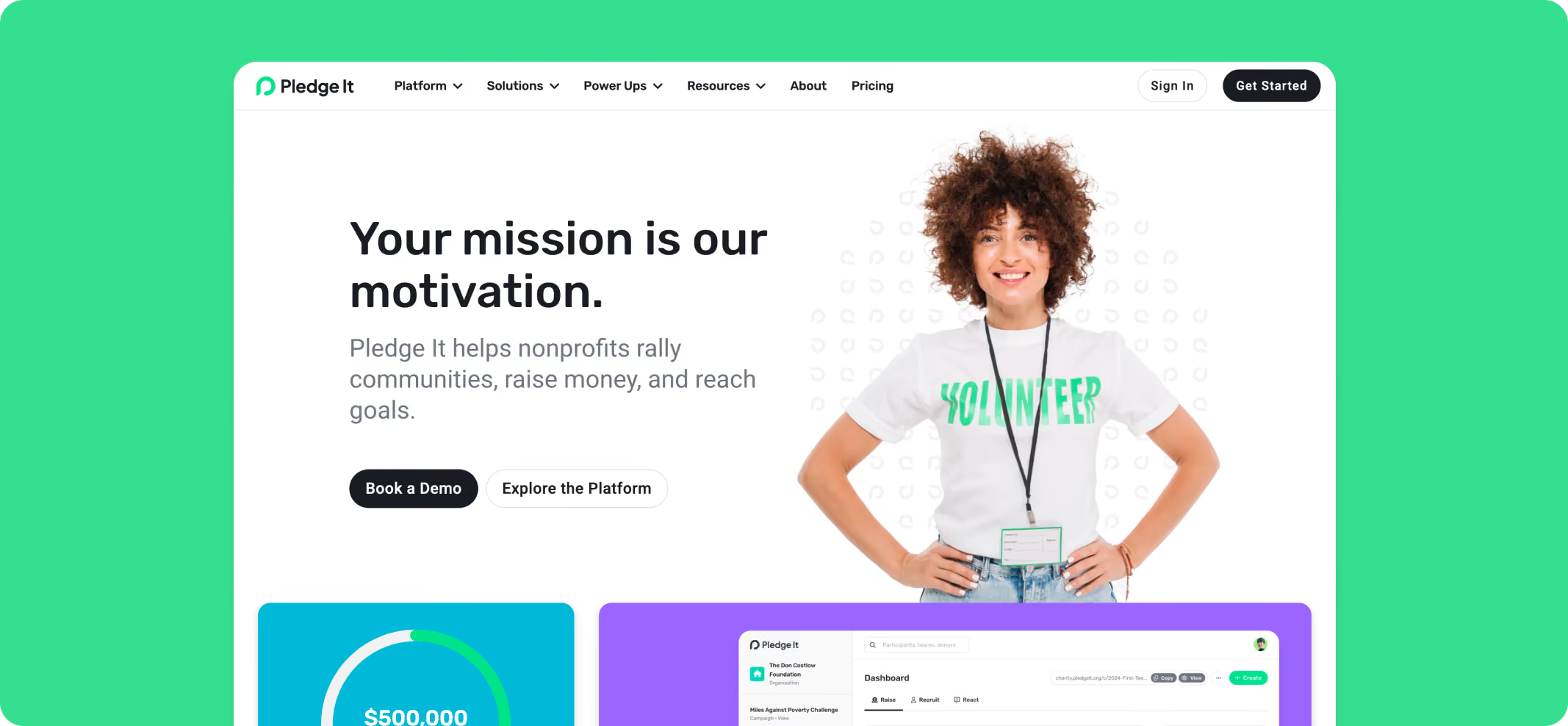
Event Ticketing Features
- Table seating with exportable seating charts
- Mobile check-in and attendee tracking
- Multiple ticket types and custom registration questions
- Donation at checkout
- Sponsorship management with automatic ticket allocation
- Silent auctions, live auctions, fund-a-need/paddle raise, raffles, and shop, integrated into the same event
- Year-over-year attendee tracking and re-engagement
- Peer-to-peer and team fundraising pages in the same event campaign
- Integrations with a wide variety of tools
- Funds settle into your own Stripe account with daily deposits
Note: Before running a raffle, check your state rules. Licensing, prize limits, and online sales restrictions vary widely across the U.S.
Plans
- Monthly: $300 + Stripe fees + Platform fees
- Annual: $2,400 + Stripe fees + Platform fees; includes a dedicated customer success manager
- Donor tipping option available to cover the fee
- Enterprise: Custom pricing
- Stripe processing: 2.2% + $0.30
- No per-user, per-seat, or per-feature charges. Unlimited campaigns and unlimited users on every plan.
Success Story
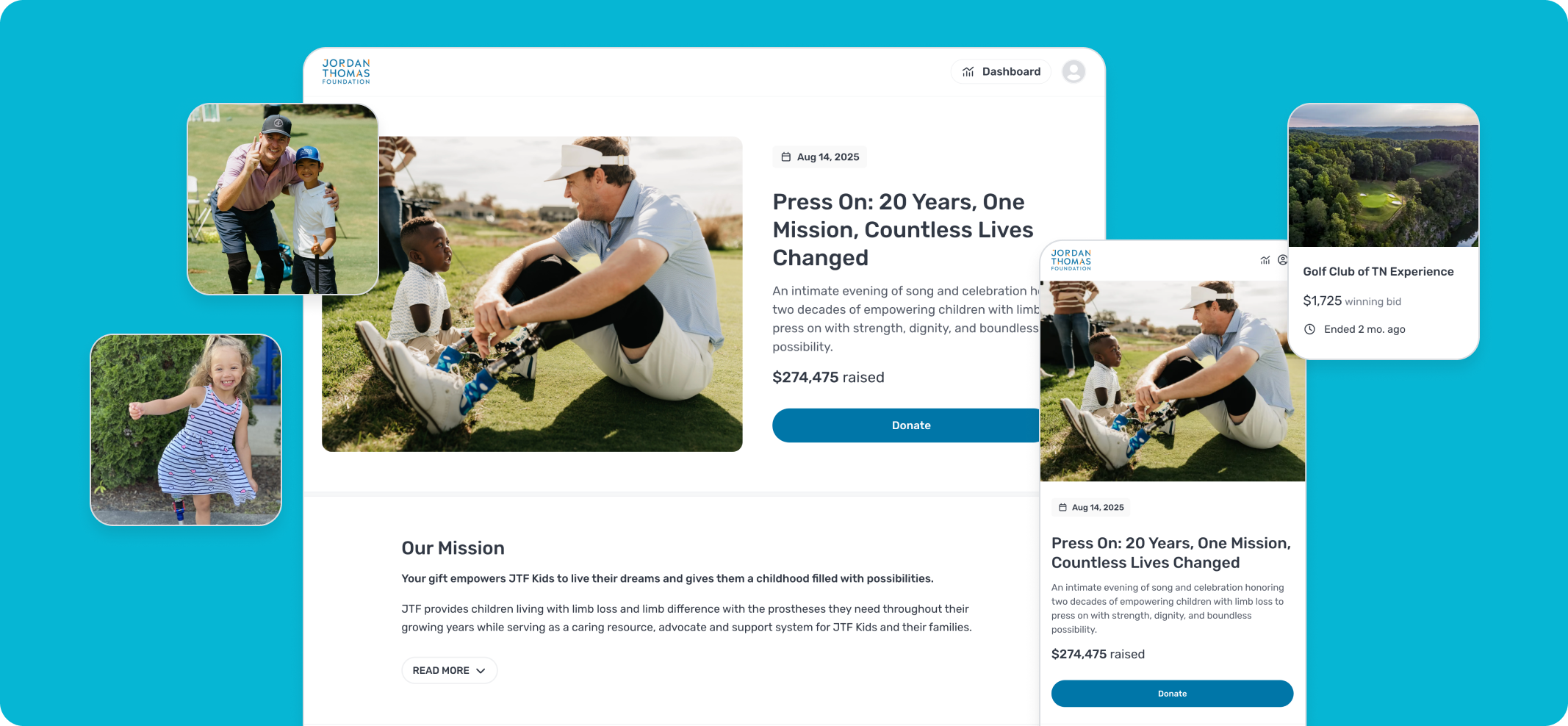
The Jordan Thomas Foundation was Planning its 20th Anniversary Gala Built Around 120 Guests
Ticket demand exceeded the planned guest count, and during planning, the team decided to add both a silent auction and a live auction. Usually, this would mean using a second platform, but that was not the case this time. Everything stayed in one Pledge It campaign. Registration, sponsorships, donations, and both auctions all took place together. Adding the auctions required configuration only, not moving to a different platform.
200 tickets sold, and the event raised $274,475 across registrations, sponsorships, donations, and auctions. Four laptop check-in stations cleared all 200 attendees in an hour, and end-of-night checkout took 30 to 45 minutes.
2. Eventbrite
Best For: Public events for a general audience, where marketplace listing helps drive registrations.
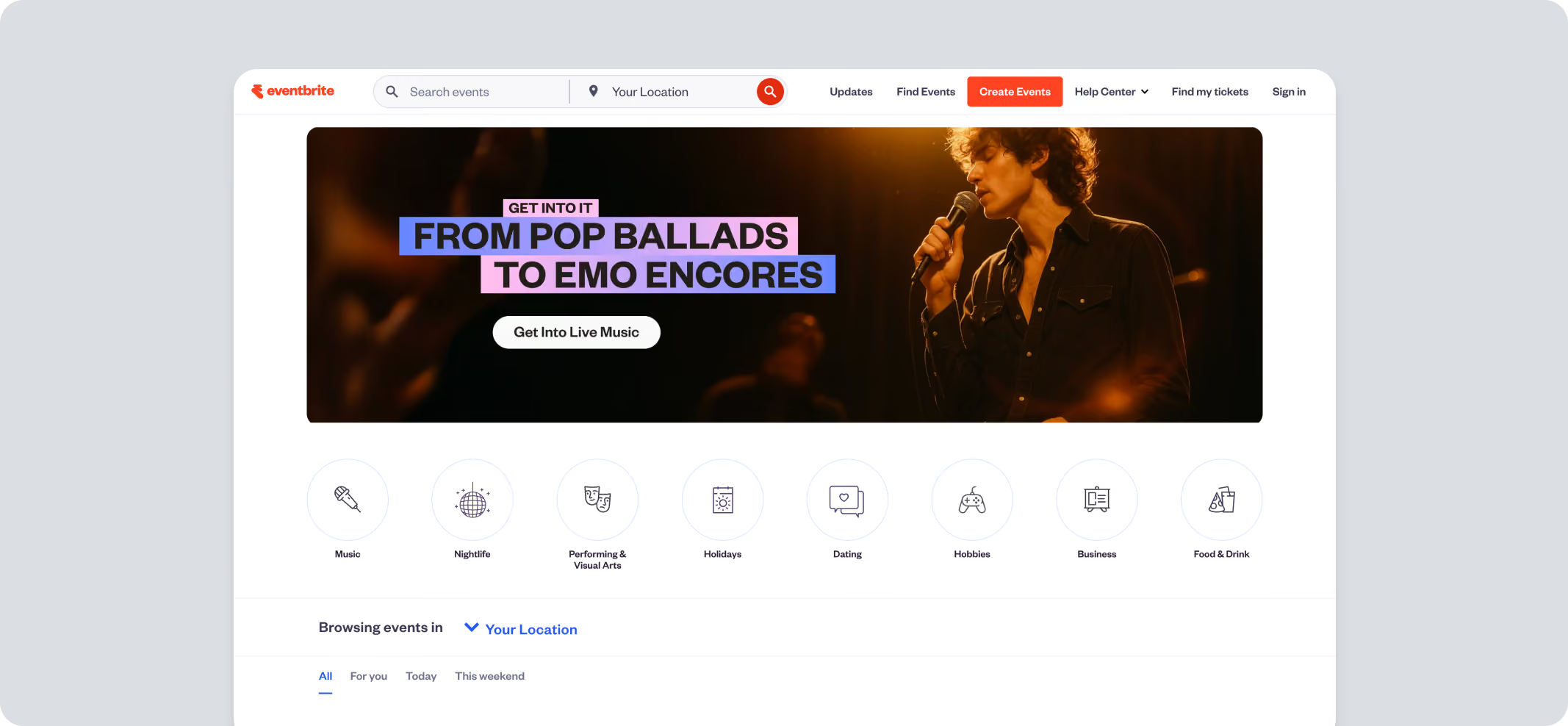
Eventbrite is a general-purpose ticketing platform serving concerts, conferences, workshops, festivals, and nonprofit events.
Its strength is its public marketplace, where organizers can publish events for discovery alongside handling registration, ticket sales, and attendee management.
Eventbrite was acquired by Bending Spoons in March 2026 and taken private, with plans repackaged and staff reduced that year. Fee rates were unchanged, but it's worth knowing if you're committing to a platform long-term.
Pros
- Marketplace helps new audiences discover public events
- Reserved seating and timed-entry ticketing available
- Mobile app simplifies onsite attendee check-in
- Multiple ticket types, promo codes, and add-ons supported
- Nonprofits receive discounted Pro plan pricing and reduced fees on donation tickets
Cons
- Limited fundraising features beyond ticket sales
- Sponsorship management requires separate tools
- No built-in peer-to-peer fundraising
- Eventbrite retains rights to attendee data and markets other events to your guests
Pricing
Plans
- Pro plan from $15 per month, tiered to $50 and $100 by email marketing volume
- Custom packages for large events
- Publishing is free
Fees Per Ticket
- Paid tickets: 3.7% + $1.79, plus 2.9% processing
- Donation tickets: 2.9% processing only
- Door sales via app: $1, plus 2.9% processing
How Fees Apply
- Service fees calculated on the ticket price, and processing on the total order
- Fees default to the attendee, though organizers can absorb them
- Door sale processing fees cannot be passed on
3. Donorbox
Best For: Small nonprofits already collecting donations through Donorbox that want event registration on the same account.
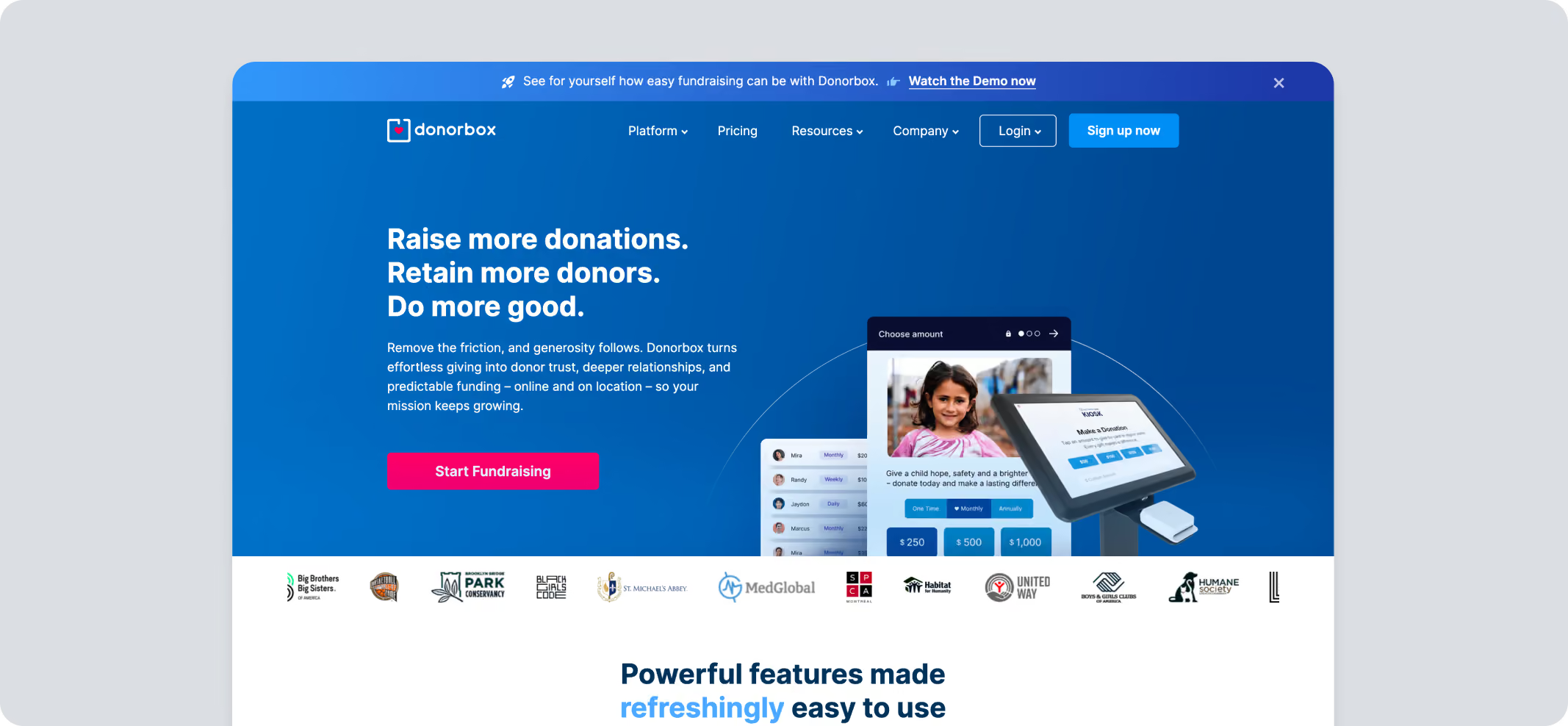
Donorbox is primarily a nonprofit fundraising platform that also includes event ticketing. Instead of offering a standalone event management system, it allows organizations to manage donations and event registrations within the same account.
Pros
- Donations and ticket sales share a single checkout
- Recurring giving available alongside event registration
- Unlimited ticket tiers and sponsor packages
- QR-code check-in for event attendees
- Automatic tax receipts for eligible purchases
Cons
- Advanced event management features require paid plans
- Limited support for auctions and larger gala workflows
- Team logins are capped by subscription tier
- Event customization is less comprehensive than dedicated event platforms
- Many integrations carry their own monthly charge so the true monthly cost can sit well above the plan price
Pricing
Plans
- Standard: No monthly charge but a higher platform fee of 2.95% to 3.95%
- Pro: $150 per month, platform fee 1.75% to 2%
- Premium: Custom, platform fee 1.6% to 2%
- Stripe processing is 2.2% + $0.30 per transaction on all three plans.
Add-ons
- Live Kiosk: $80 per month for the first device on Standard and Pro, $50 on Premium, +$15 per additional tablet
- Text-to-Give: $19 per month long-code, $50 per month short-code on Standard and Pro
- Crypto and stock donations: 3.95% per transaction
4. Bloomerang
Best For: Organizations that want registrations written straight into donor records and are already investing in a CRM.
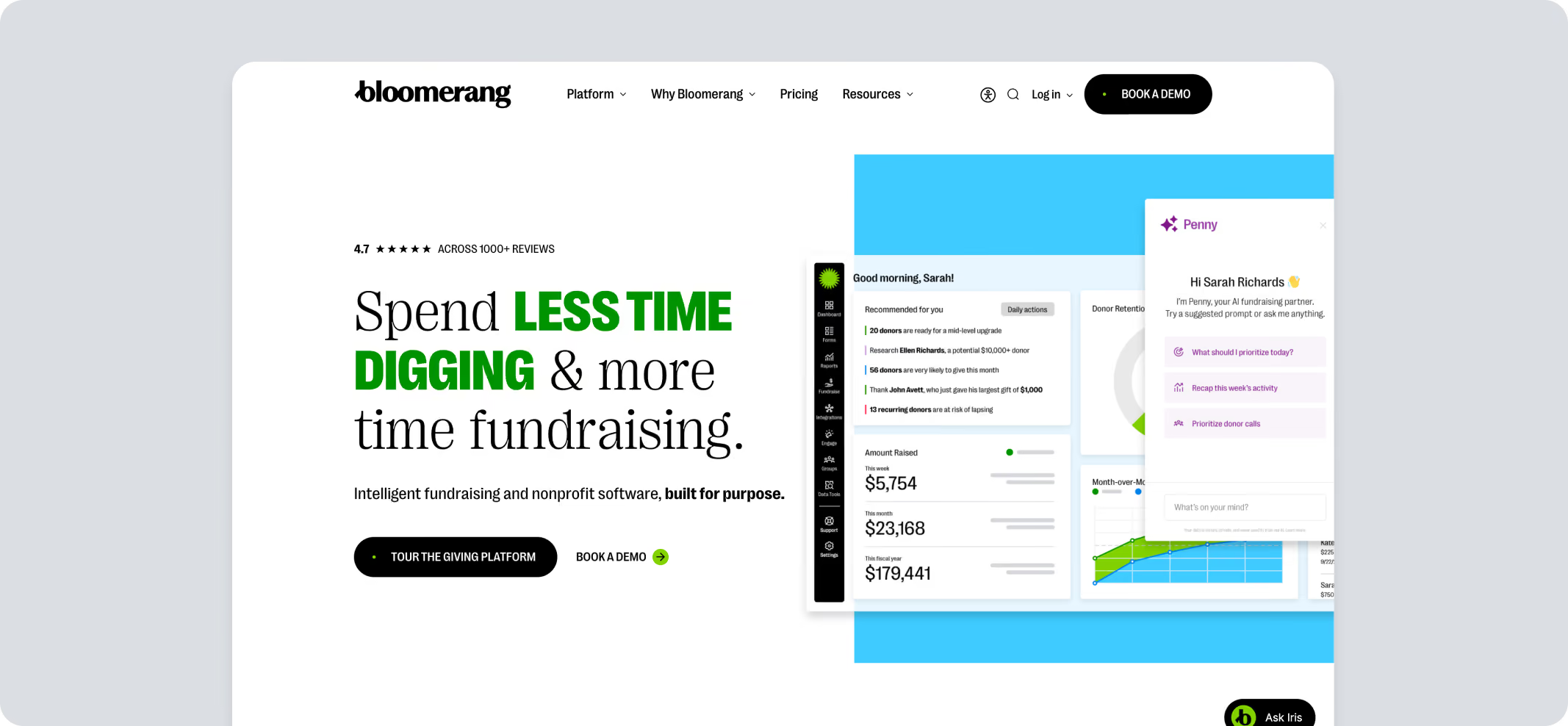
Bloomerang combines donor management with fundraising and event registration. Event attendees automatically become CRM contacts, making it suitable for organizations that prioritize long-term donor management alongside ticket sales.
Pros
- Registrations sync directly into donor records
- QR-code check-in and attendee management included
- Early-bird pricing, promo codes and table seating supported
- Donor management and reporting included
Cons
- Requires a Bloomerang CRM subscription
- Contact-based pricing increases as databases grow
- Not available as standalone ticketing software
- Peer-to-peer fundraising incurs additional transaction fees
Pricing
- Bloomerang Fundraising: From $40 per month, billed annually
- Must be purchased as a bundle with Bloomerang CRM, from $125 per month, billed annually
- Bloomerang Volunteer: starts at $119 per month, billed annually
- Bloomerang Giving: combines CRM, Volunteer, and Fundraising; Custom pricing
The processing fee combines Bloomerang's charge and the merchant fee into one rate: 3.95% + $0.30 per transaction, rising to 4.95% + $0.30 for peer-to-peer. eCheck is 1.95% + $0.95, or 2.95% + $0.95 for peer-to-peer. American Express adds 1%.
5. GoFundMe Pro (formerly Classy)
Best For: Larger nonprofits with existing Salesforce or Mailchimp workflows and the capacity for a custom-quoted contract.
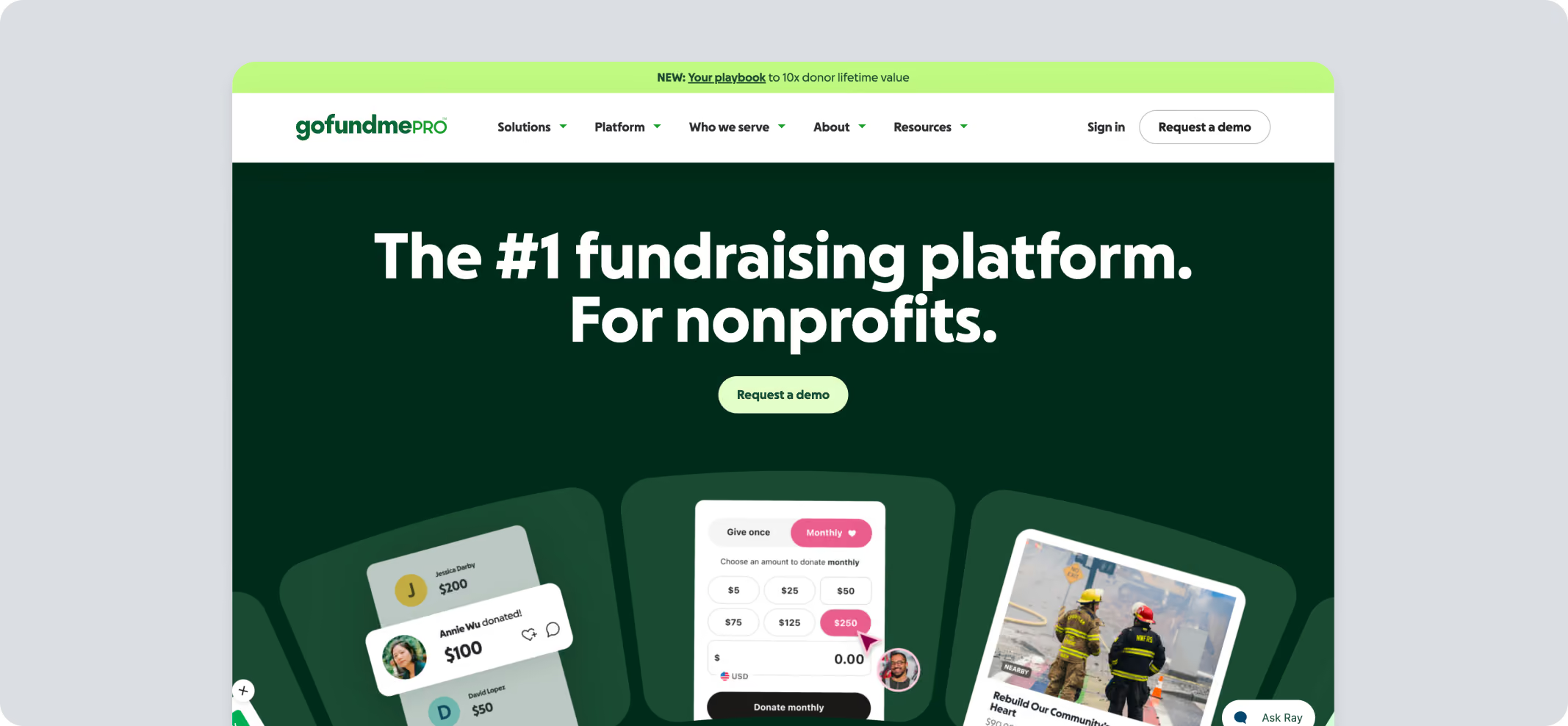
GoFundMe Pro (formerly Classy) combines donation forms, peer-to-peer fundraising, recurring giving, campaigns, and event registration. It is generally positioned for medium and large nonprofits that want integrations with enterprise fundraising workflows.
Pros
- Ticketing, fundraising, and campaigns operate on one platform
- Built-in recurring giving and donor journeys
- Built for enterprise fundraising workflows
Cons
- Better suited to larger fundraising departments
- May be more complex than necessary for smaller organizations
- No published subscription pricing, so you can't compare total cost without a sales conversation and an annual contract
Pricing
- Subscription: Custom, based on the organization's needs; no published rates
- Card processing: 2.4% + $0.30 per donation
- AmEx adds +1%; PayPal and /Venmo start at 2.5% + $0.30
6. Silent Auction Pro
Best For: Charity events where the auction drives the fundraising and registration is a supporting tool.
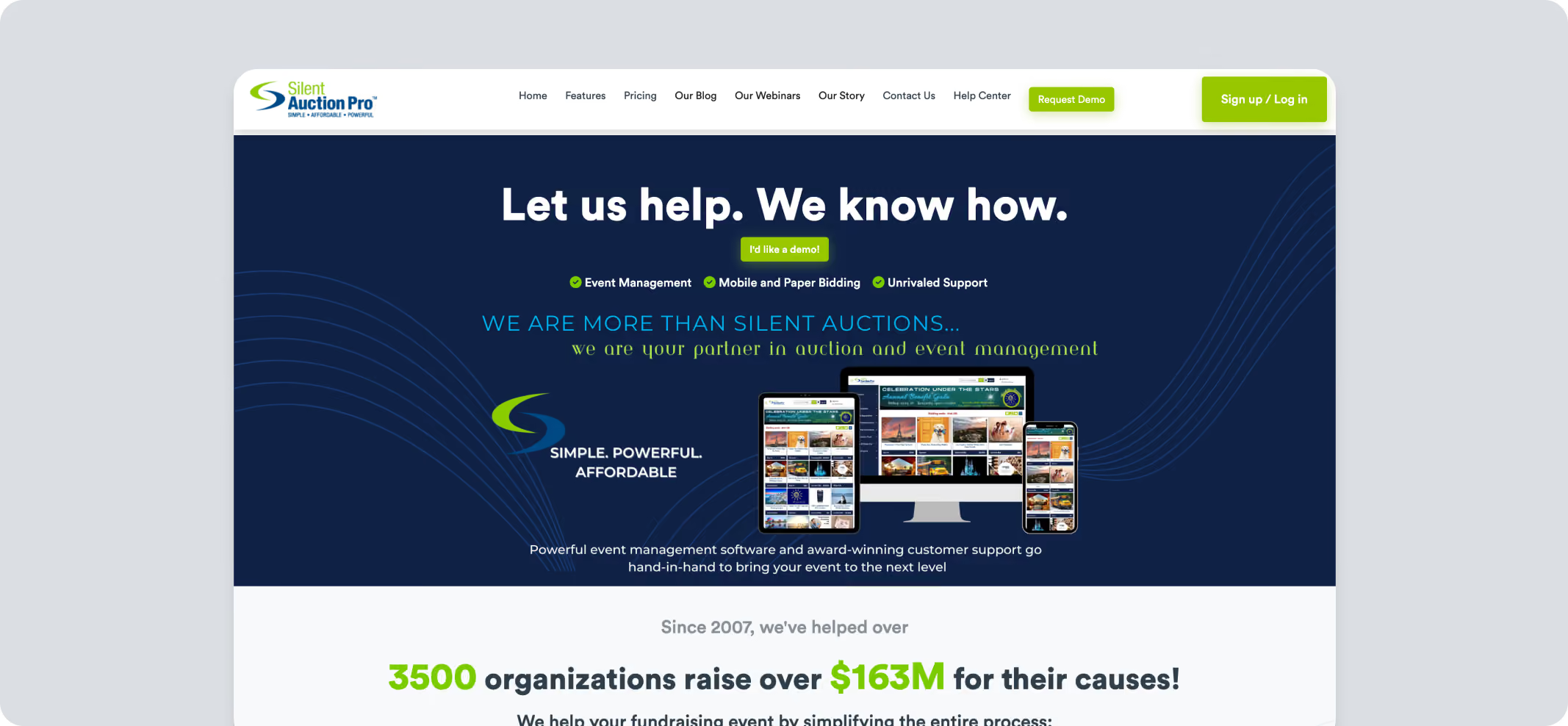
Silent Auction Pro is purpose-built auction software for nonprofits that raise most of their event revenue through silent or live auctions. It handles bidding, table assignments, sponsors, and guest check-in from one system.
Pros
- Mobile and paper bidding supported
- Sponsor seating and table management included
- Live and silent auctions managed together
- Unlimited non-concurrent events within the subscription year, though the 2% proceeds fee applies to each event
Cons
- Optimized mainly for auction fundraisers
- Proceeds fee applies to ticket revenue
- Fundraising tools outside auctions are limited
- 30-day money-back guarantee, after which a $99 cancellation fee applies
Pricing
- Annual packages:
- Bidsheet Plus: $449
- Bidsheet Pro: $649
- Mobile Plus: $749
- Mobile Pro: $899
- Plus 2% of all event proceeds, including ticket sales, donations, auction items, and fund-a-need
- The 2% is capped at $3,500 per event
- Processing: 2.9% flat through Worldpay, or via Card Connect
7. Accelevents
Best For: Conferences, trade shows, and hybrid events that need badge printing, check-in kiosks, and lead capture.
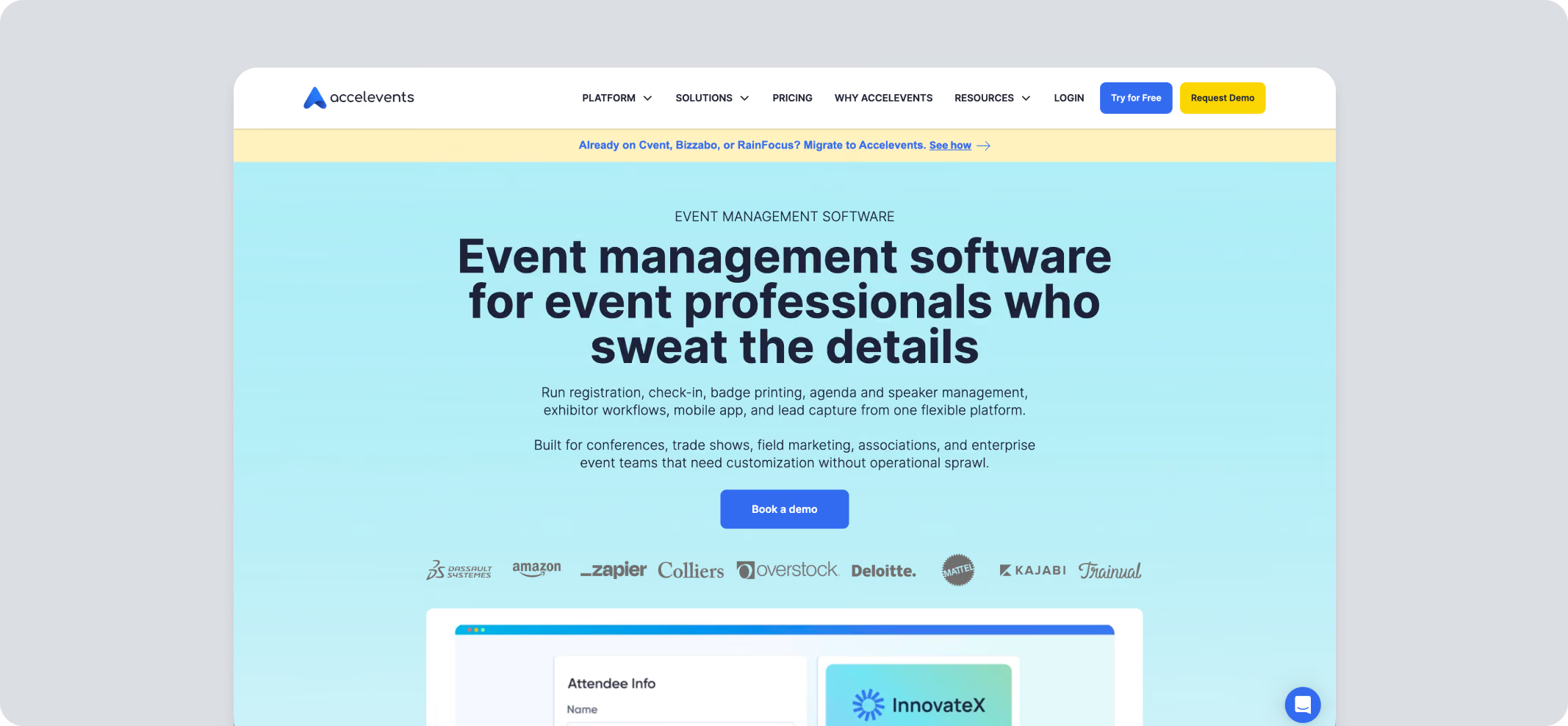
Accelevents is an enterprise event management platform built primarily for conferences and large-scale events. Its entry price puts it out of range for most small nonprofits - it earns a place here for organizations that run a conference or summit alongside their fundraising events.
Pros
- Comprehensive conference and hybrid event management
- Badge printing integrated with registration
- Lead capture for exhibitors and sponsors
- Virtual and hybrid event support
- 24/7 live chat across all plans
Cons
- Annual contracts only
- Hardware purchased separately
- Fundraising tools require activation fees
- Pricing runs on registrant credits, and a registrant is anyone with event access including staff, speakers, and exhibitors, not just paying attendees
Pricing
- Professional: Starting from $7,500 for a single event
- Business: Starting from $13,500 for unlimited events
- Enterprise: Custom-priced
- White Label: Custom-priced
- Card processing: 2.9% + $0.30 via Stripe or Square;, the fee can be passed on to attendees
- Auctions, raffles, and fund-a-need: $499 per event, plus $1 per bidder (unlimited bids)
- Text-to-Give: $49 per month, plus 1% of donations processed (offline donations are free)
- Onsite badge hardware is billed separately through a third-party vendor
- Virtual event functionality is a paid add-on, quoted separately
8. Ticketbud
Best For: Community events that need registration open quickly, with flexible payout timing.
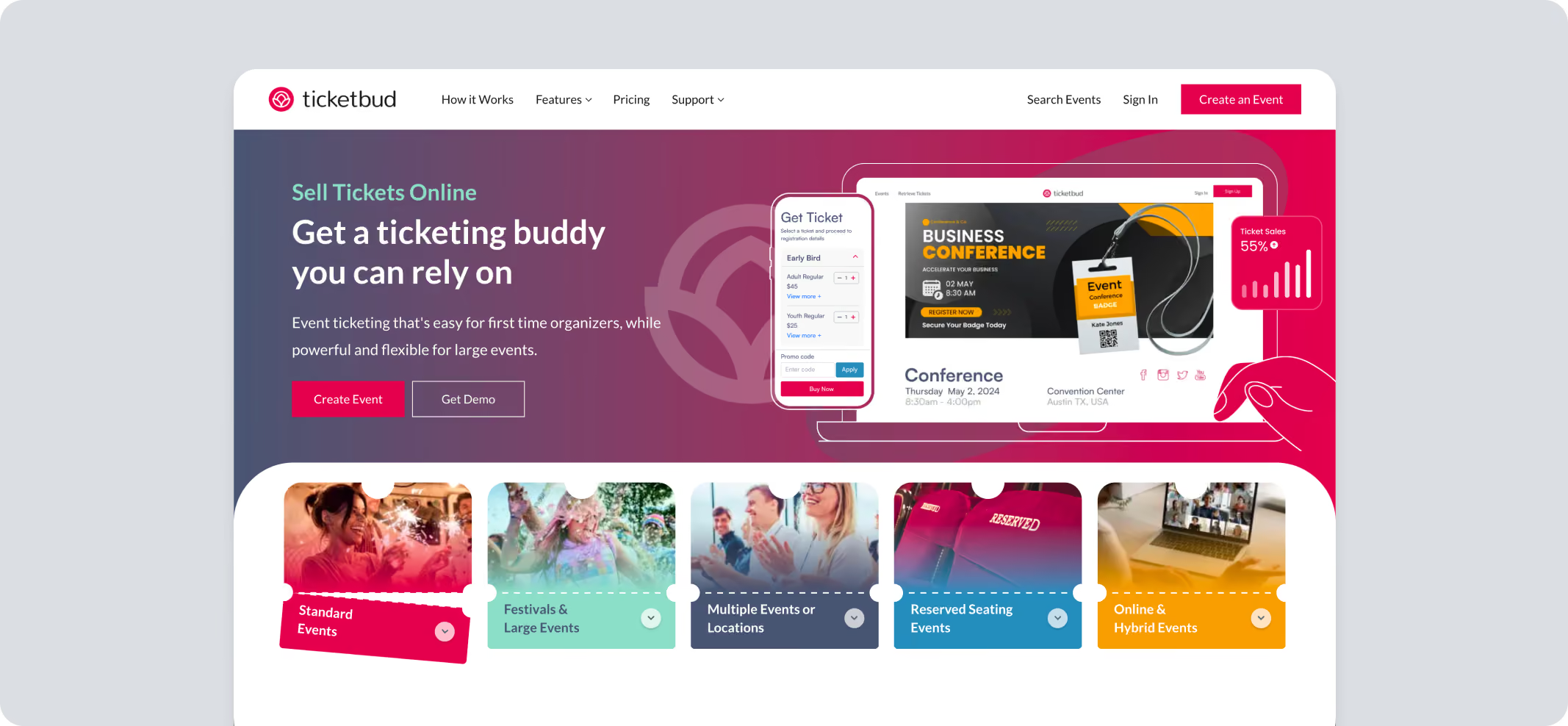
Ticketbud is a lightweight registration platform designed for organizations that want to launch nonprofit ticket sales quickly without investing in a full fundraising ecosystem.
Pros
- Flexible daily, weekly, or monthly payouts
- Offline ticket sales supported
- Discount codes included
- Custom registration questions available
Cons
- Limited page customization
- Mobile scanning issues reported by reviewers
- Few built-in nonprofit fundraising tools
- Sponsorship management unavailable
Pricing
- Paid events
- Attendees pay: 2% + $0.99 per ticket sold (unless the organizer chooses to absorb fees)
- Plus payment processor fee: 2.9% + $0.30 per ticket
- Nonprofits and schools
- Attendees pay: 1.75% + $0.99 per ticket sold (unless the organizer chooses to absorb fees)
- Plus payment processor fee: 2.9% + $0.30 per ticket
- Free events: $0
- Custom and white label: Custom pricing
9. SimpleTix
Best For: Venues and attractions running timed entry, reserved seating, or season passes.
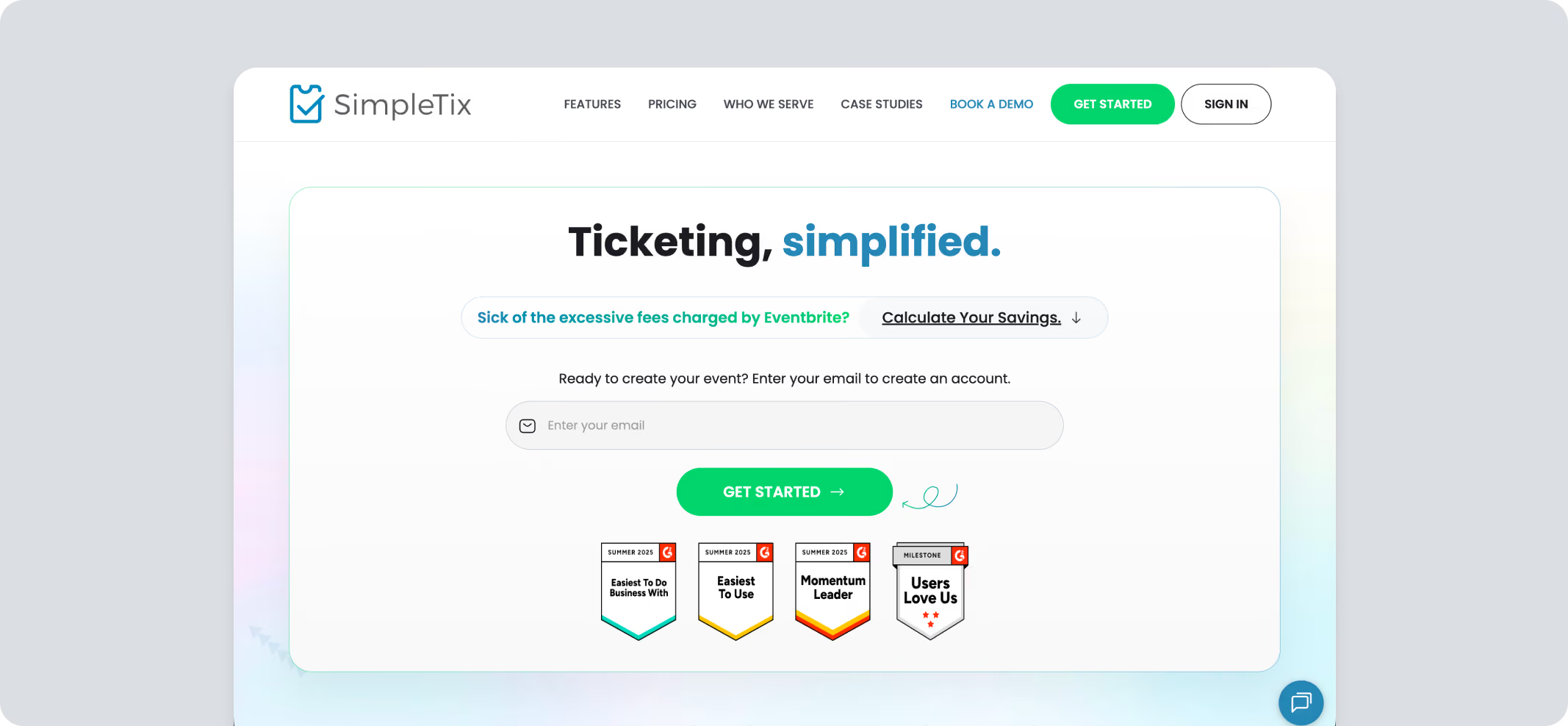
SimpleTix focuses on ticketing for attractions, museums, venues, and nonprofits rather than comprehensive fundraising.
Pros
- Reserved seating available
- Timed-entry ticketing supported
- Multiple payment processors accepted
- Service fee capped at $9.99 per ticket
- Eligible nonprofits can request a discounted rate
Cons
- Limited fundraising beyond donations
- No peer-to-peer fundraising
- Sponsorship tools not included
- The nonprofit discount has to be requested from support; it isn't applied by default at signup
Pricing
- Online sales: $0.79 + 2% per ticket
- In-person/box office: $0.25 flat per ticket
- Season tickets: $0.79 + 2% per ticket in the pass
- Free events: $0; reserved seating free tickets cost $0.25 per ticket
Processing fees depend on the connected processor (typically, 2.9% + $0.30)
10. Ticketstripe
Best For: Small charity events that want zero platform cost to the organization.
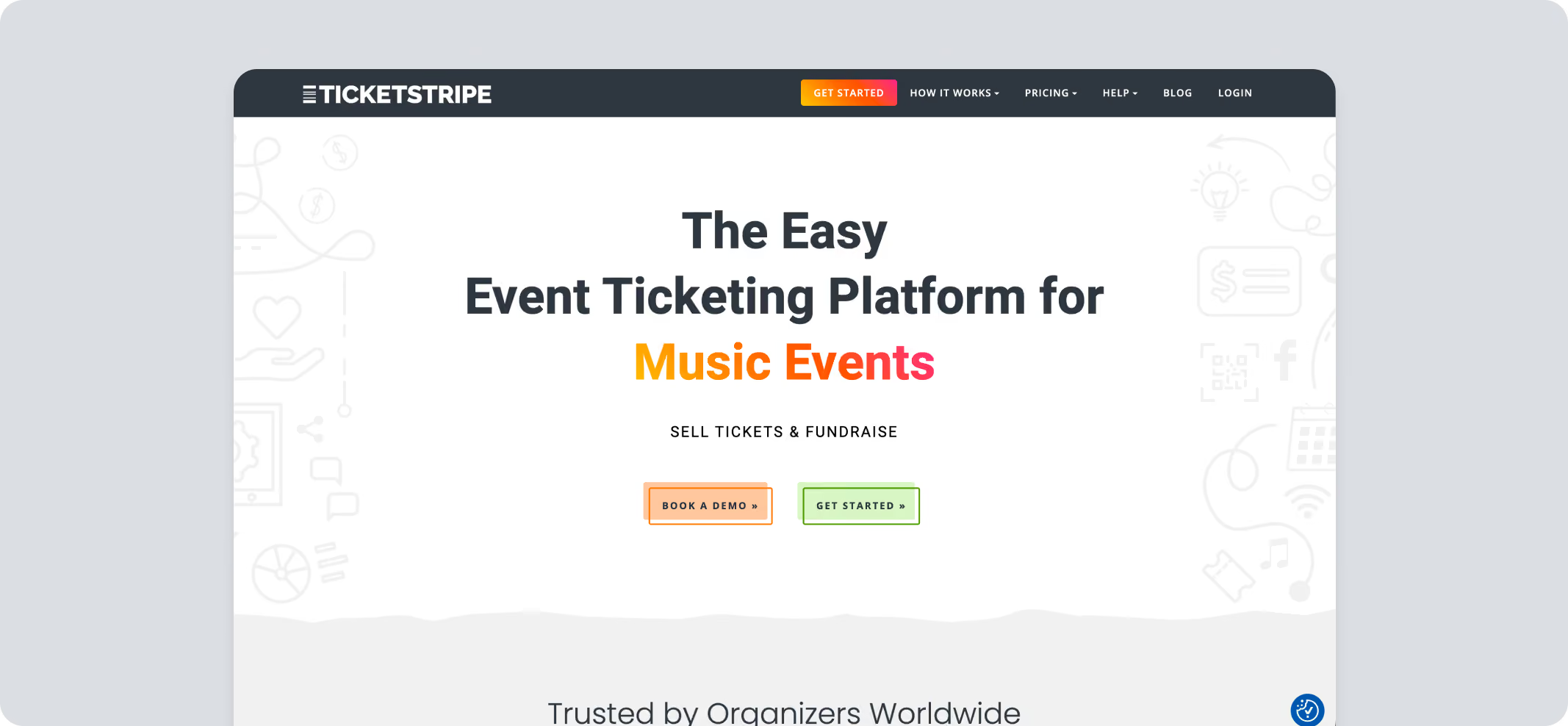
Ticketstripe provides online ticketing and donation tools for organizations that want a simple registration workflow without enterprise-level event management features. Organizers can customize fee handling and connect their own payment processor for ticket sales.
Pros
- Donations collected during ticket purchase
- Optional “cover the fees” toggle lets attendees absorb platform costs at checkout
Cons
- Limited advanced event management features
- Sponsorship management unavailable
- Payout timing depends on the payment processor
- No automatic tax receipts and no donor CRM
Pricing
- Nonprofit pricing: 1.5% + $0.50 per ticket or donation
- General pricing: 2% + $0.99 per ticket
- Processing fee:
- Stripe: 2.9% + $0.30 per transaction for online transactions, 2.7% + $0.05 per transaction for in-person transactions
- PayPal: 2.99% to 3.49% + $0.49 per transaction for online transactions
- Free, comped, and cash tickets: Zero fees
11. BetterWorld
Best for: Nonprofits and schools running campaigns on a tight budget.
BetterWorld is a nonprofit fundraising platform covering auctions, ticketing, donation forms, raffles, crowdfunding, and peer-to-peer campaigns.
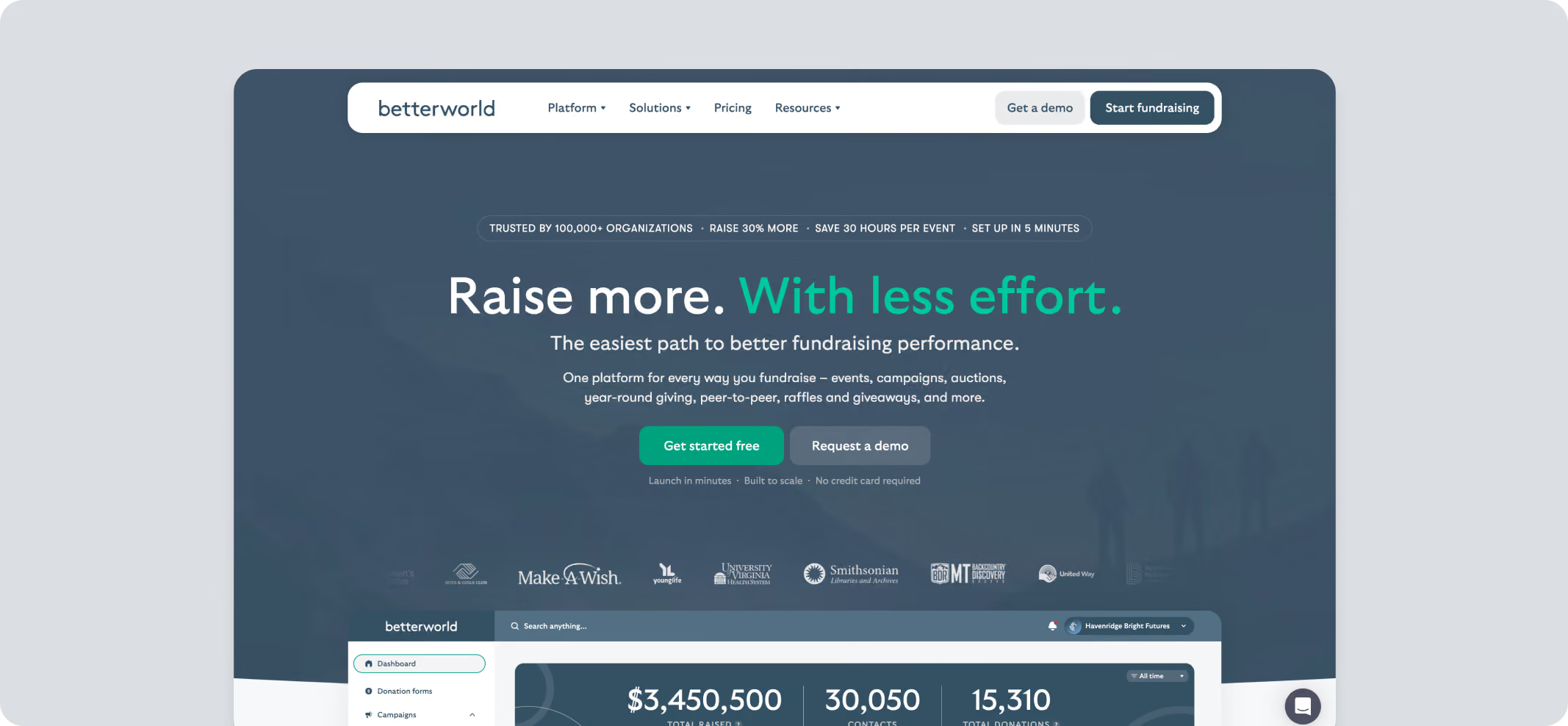
Pros
- Unlimited ticket tiers - individual, couples, VIP sponsor tables, and RSVP-only (limited by quantity)
- Early-bird pricing plus add-ons like drink tickets, raffle entries, and parking passes at checkout
- Custom questions at the ticket, add-on, and purchase level
Cons
- Donors may have trouble signing up for events on mobile
- Duplicated ticketed events may not be removable once created
Pricing
- Plans
- Free: 0% platform fee, optional donor contribution prompt
- Flex: No subscription; 2.2% on donation forms, up to 5% on other campaign types
- Partner: $1,550/year flat, plus ~1.25% platform fee
- Keystone: $5,950/year, plus 1% platform fee
- Processing fee
- Cards (Stripe): 2.9% + $0.30
- ACH: 1.5% + $0.30
- DAF Pay: 2.9% + 1% platform fee; verified nonprofits only
- PayPal/Venmo: 2.9% + $0.30 for verified nonprofits, or 3.9% + $0.50 for all other accounts
12. Auctria
Best for: Volunteer-run charity auctions and galas that need auction tools without a fundraising-suite price.
Auctria is auction-first software for nonprofits, with ticketing, sponsorships, and raffles built around the bidding engine.
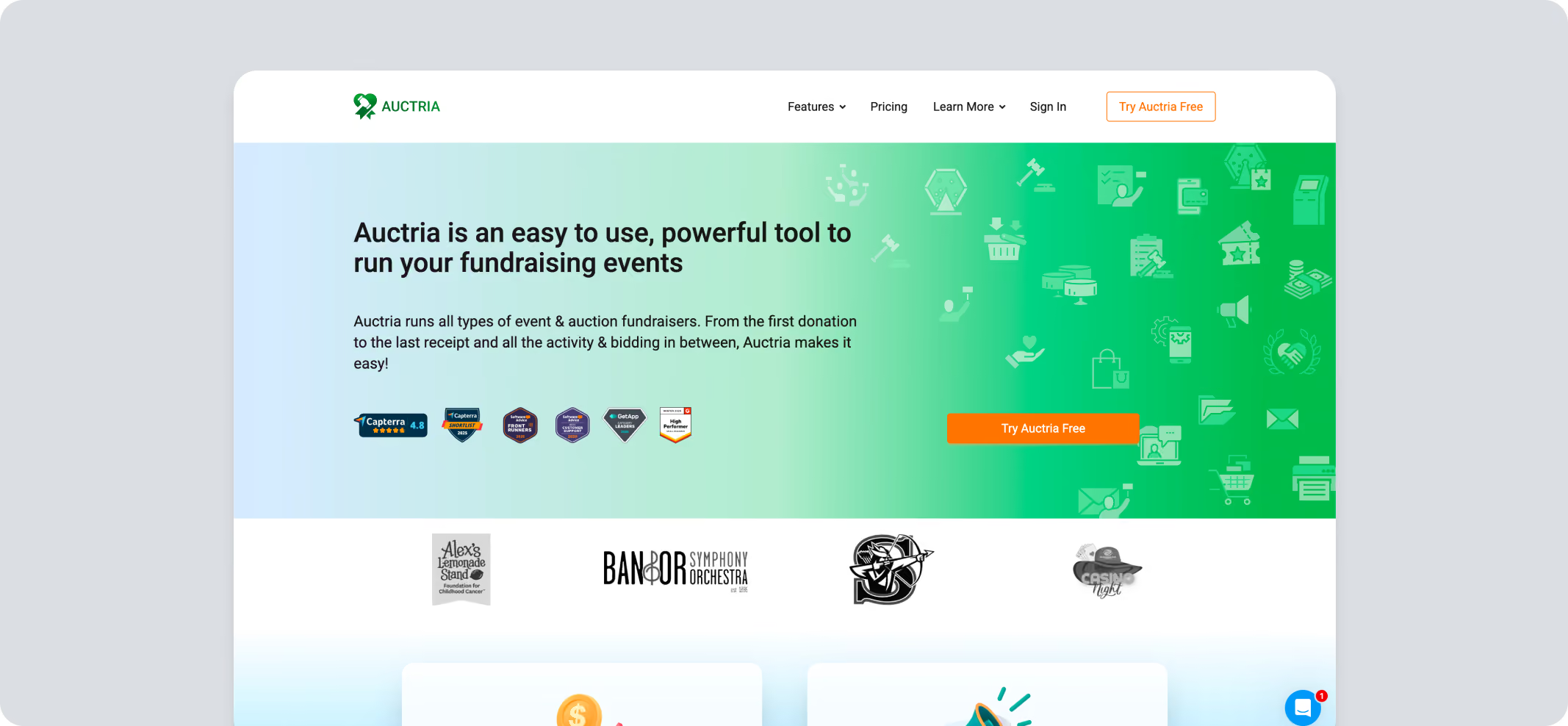
Pros
- Online, mobile, and paper bidding
- Ticket sales link to bidder paddles and guest records
- Sponsors build their own tables at purchase
- Event-website builder and bulk item import
Cons
- Built around auctions; ticketing and raffle tools are lighter
- Interface and reporting have a learning curve
- Free tier has limited support access
Pricing
- Plans (annual license)
- Explorer (Free): Up to $10,000 income, 3 admins
- Emerald ($375/year): Up to $50,000 income, 10 admins
- Diamond ($750/year): No income cap, up to 99 admins
Note: Auctria's platform fee (1% on Explorer, 0.5% on Emerald, 0.25% on Diamond) is charged on top of Stripe (2.9% + $0.30) or Authorize.Net processing.
There's more to fundraising than the ticket. Here are the fundraising software solutions for nonprofits worth having in your toolkit.
Which Ticketing Platform Fits Your Event Type?
The same event ticketing software that handles a 200-seat gala can be the wrong tool for a community raffle night, so match the platform to the event you run.
The table below pairs common nonprofit event types with a realistic pick.
Success Story
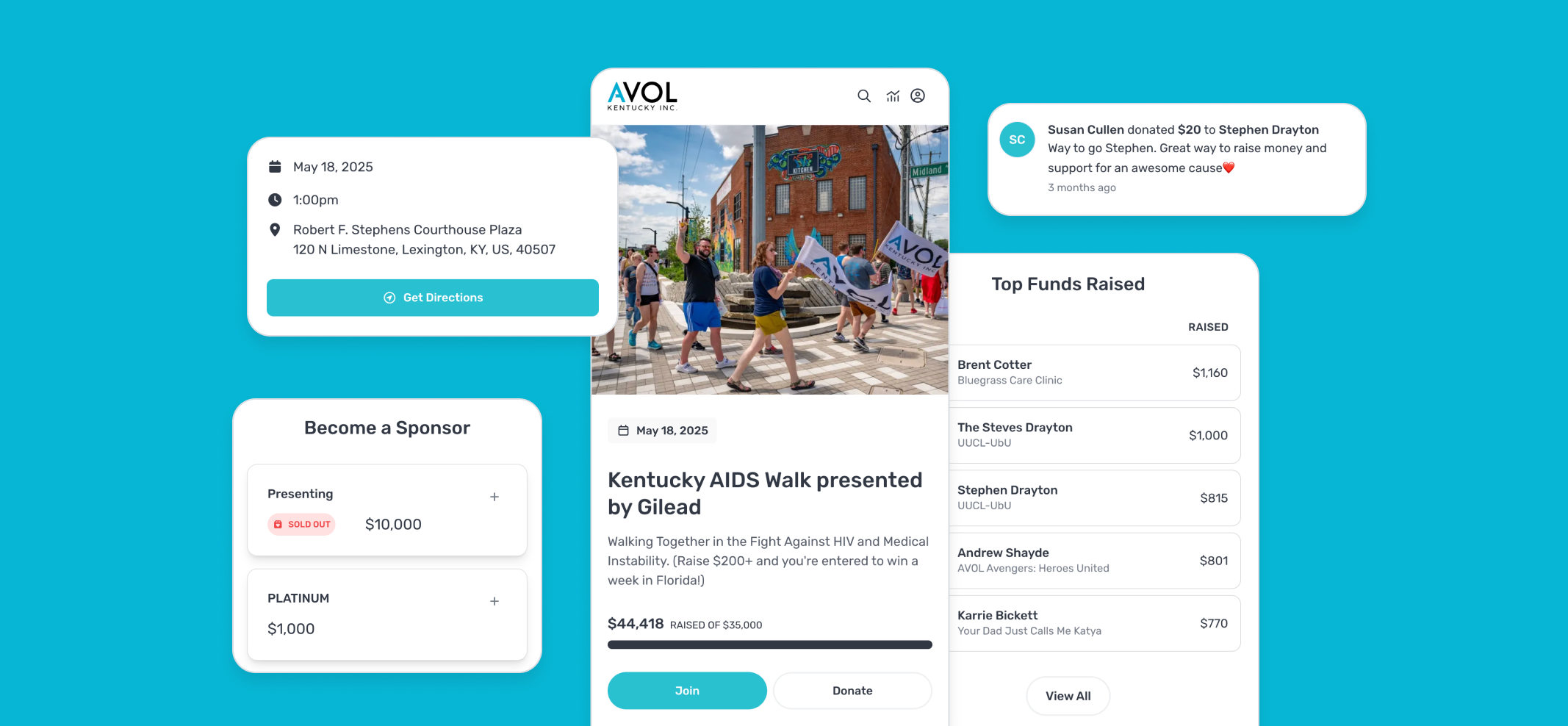
How AVOL Kentucky Doubled its Walk Revenue by Fixing Registration
AVOL Kentucky has been organizing the Kentucky AIDS Walk for nearly 35 years. With a team of 10 and a million-dollar budget, they needed a platform the team could manage without technical support. Plenty of supporters skipped online registration and showed up on walk day. This meant they missed out on creating fundraising pages, sharing them, and raising funds before the event. Registration was where the organization lost potential revenue. The team moved to Pledge It. Participants could sign up on their phones and build personalized fundraising pages with their own stories and photos.Since registration, peer-to-peer pages, and sponsorships all sat in one campaign, nothing had to be reconciled later. Sponsor management on the same platform brought in thousands and opened opportunities for future campaigns.A real-time dashboard showed which messages were driving registrations and donations so that the team could adjust mid-campaign.
Kentucky AIDS Walk broke its records and more than doubled its fundraising total year over year. More participants registered online, which increased pre-event fundraising.That is the difference between software that sells a ticket and software that turns a registration into a fundraiser.
Which Event Ticketing Software Should You Choose?
Ticketing is the first thing guests see and the last thing the team checks before doors open.
A general ticketing tool covers registration and payment, and for a lot of events that's genuinely all you need. If your revenue is the ticket price and nothing else, take the lowest per-seat cost in the table above and get on with planning.
A fundraising-first platform earns its higher fee somewhere else: it tracks sponsors, accepts donations at checkout, builds table seating, runs the auction, and leaves the team with a donor list they can use again next year.
That's the thinking behind Pledge It (the complete event fundraising platform). It brings registration, sponsors, and follow-up into one place, so the team can spend less time reconciling systems.